Frequently asked questions
Common questions about Worklenz as an open source PSA
1What is PSA software?
Professional services automation (PSA) software runs the business side of project work: projects, resourcing, time tracking, budgets and billing in one system. It's built for firms whose revenue comes from their people's time, such as agencies and consultancies.
2Is Worklenz a PSA tool or a project management tool?
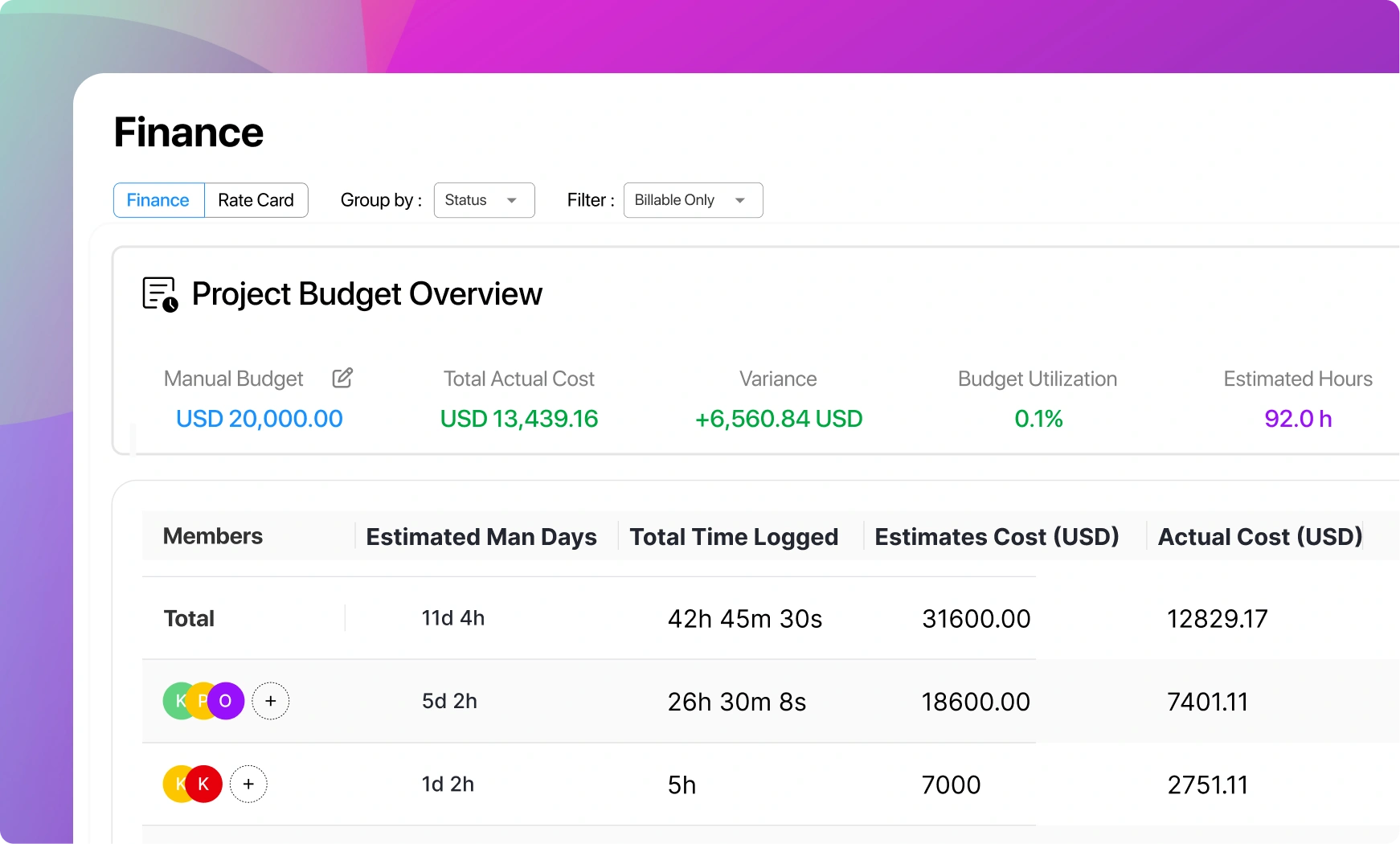
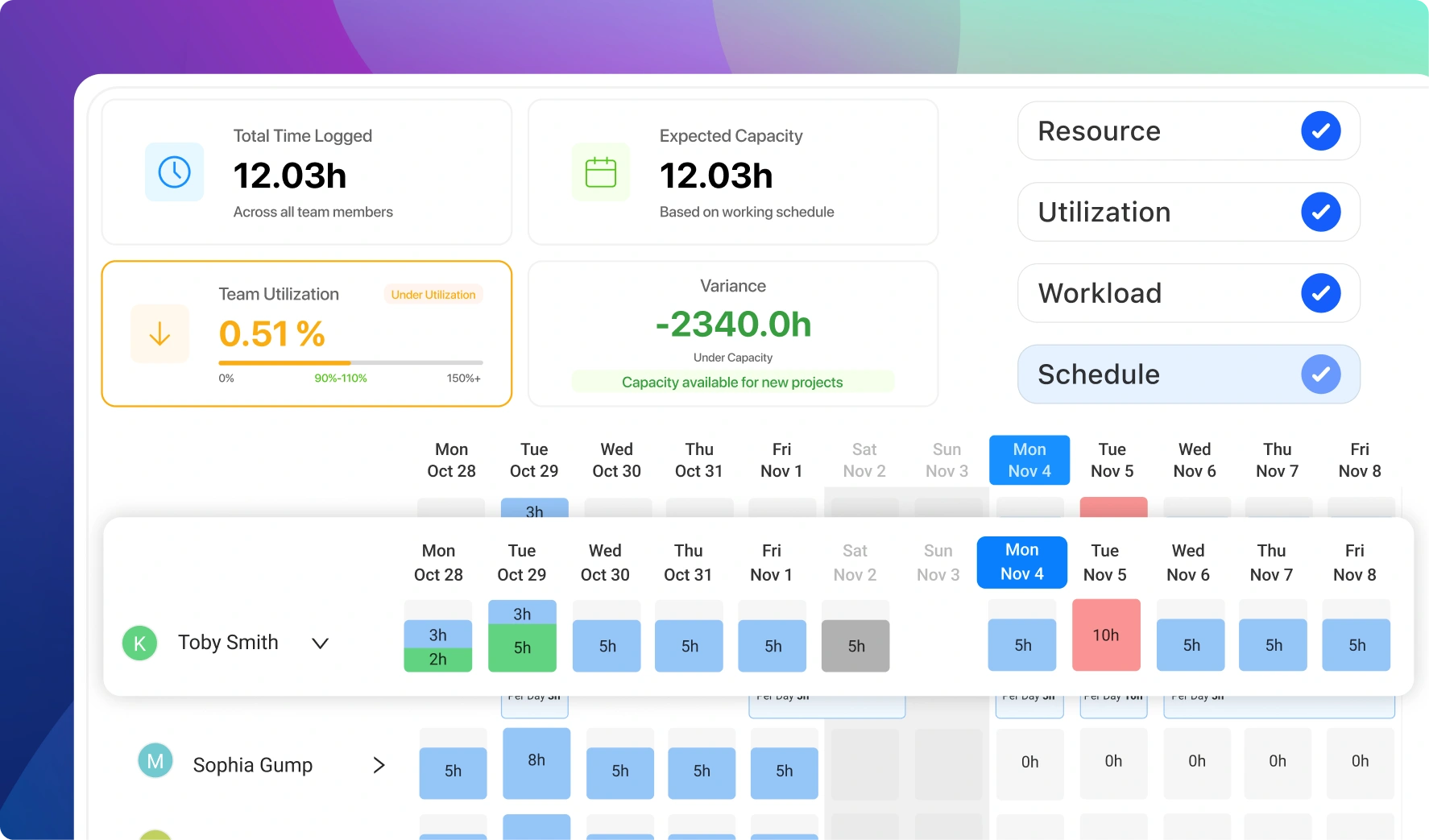
A PSA. Project management is one part of it; Worklenz adds the services business around it: resourcing, time tracking, project finance, a client portal and invoicing. That's what separates it from open source task trackers.
3How does it compare to ITFlow or Alga PSA?
ITFlow and Alga PSA are built for MSPs: ticketing, asset management and recurring IT contracts. Worklenz is built for project-based services: engagements with budgets, staffed by people, delivered in phases. Pick by the shape of your revenue.
4Is Worklenz a PSA for MSPs?
No. Worklenz is for firms that sell time on projects, not IT support tickets. If you need ticketing, RMM and contract billing, look at ITFlow, Alga PSA, HaloPSA or ConnectWise.
5Can it replace a commercial PSA like BigTime or Kantata?
For the delivery core (projects, resourcing, time, budgets, invoicing and client visibility), often yes, at a fraction of the cost. Enterprise PSA platforms go deeper on revenue forecasting and CRM-driven quoting. Worklenz doesn't include a CRM, so it sits alongside the one you already use.
6What does the open source license permit?
AGPL-3.0 lets you run, inspect, modify and self-host Worklenz. Internal modifications can stay private; if you offer a modified version to others over a network, you must make your modified source available to them.
7Is there a per-user cost?
Not for the self-hosted Community edition: it's free at any headcount. Self-hosted Business (priority support, SSO, custom branding, backup and restore) is priced through sales. Worklenz Cloud plans are billed per active user; see the pricing page.
8How fast can a firm get running?
On cloud, minutes: start a free trial of Business to use the full PSA loop. Self-hosted, typically the same day with the Docker quick-setup script. Importing existing projects from Asana, Trello, Jira, ClickUp, Monday or CSV is usually the longest step.

 Start a Free Trial