Worklenz
Sign in
EN

Your whole workspace, on every device

Manage projects, tasks and time from your phone today. Desktop apps for Mac and Windows are coming soon.

Download the Worklenz app on the Apple App StoreGet the Worklenz app on Google Play

Prefer the web? Use Worklenz in your browser. No install needed.

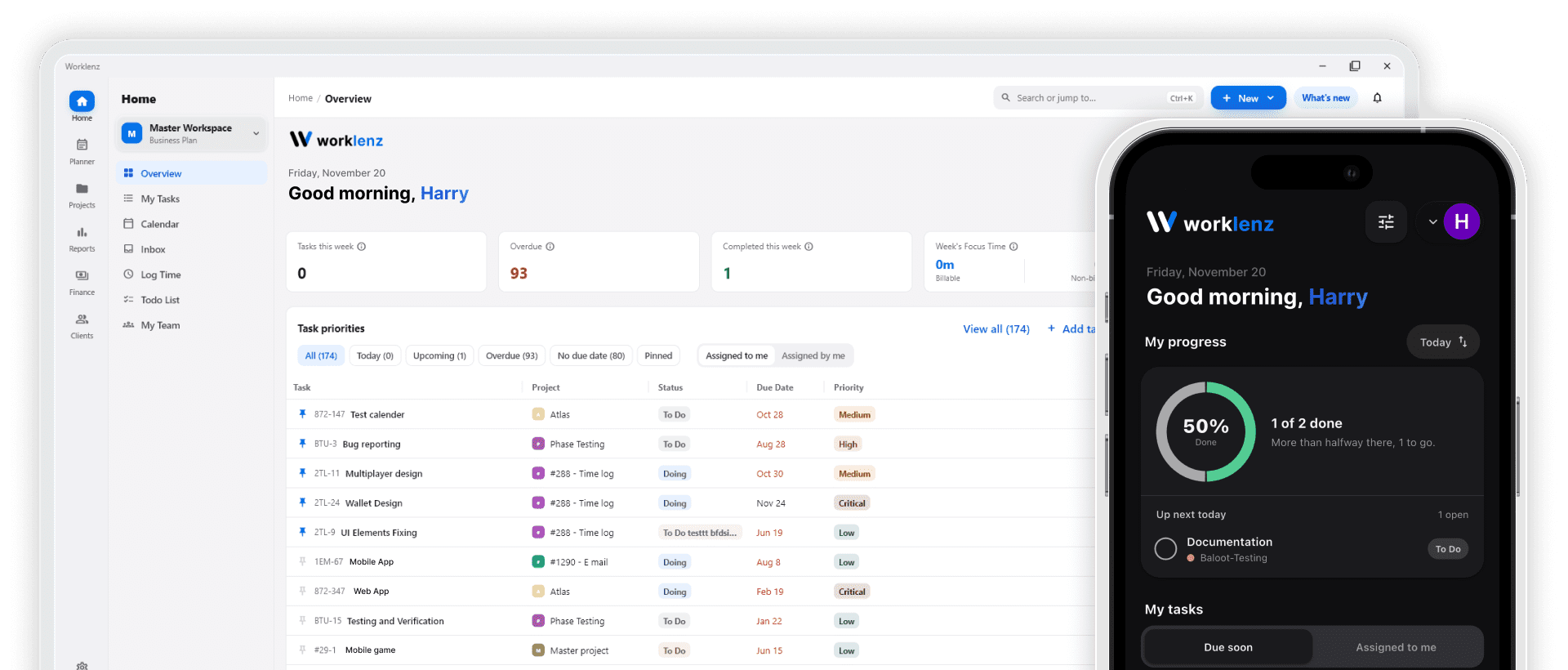
Worklenz task board open on a desktop browser, next to the Worklenz mobile app showing today's tasks on a phone

Choose your platform

Every app signs in to the same Worklenz account, so your work stays in sync.

iPhone & iPad

Mobile app

Supported iOS versions are listed on the App Store page.

Download the Worklenz app on the Apple App StoreQR code to download Worklenz for iPhone & iPad

Android

Mobile app

Supported Android versions are listed on Google Play.

Get the Worklenz app on Google PlayQR code to download Worklenz for Android
Coming soon

macOS

Desktop app

System requirements will be published at launch.

Coming soon

Windows

Desktop app

System requirements will be published at launch.

See what's new in each release in the Worklenz changelog.

Mobile app

Keep projects moving when you're away from your desk

The Worklenz app for iPhone and Android gives you the parts of your workspace you need on the go.

  • Tasks in your pocket

    Create, assign and update tasks between meetings or on the road.

  • Instant notifications

    Get push alerts for new assignments, comments and due dates.

  • Built-in timer

    Start and stop the time tracker on a task without opening a laptop.

  • Project overviews

    Check task lists, boards and project progress in a mobile layout.

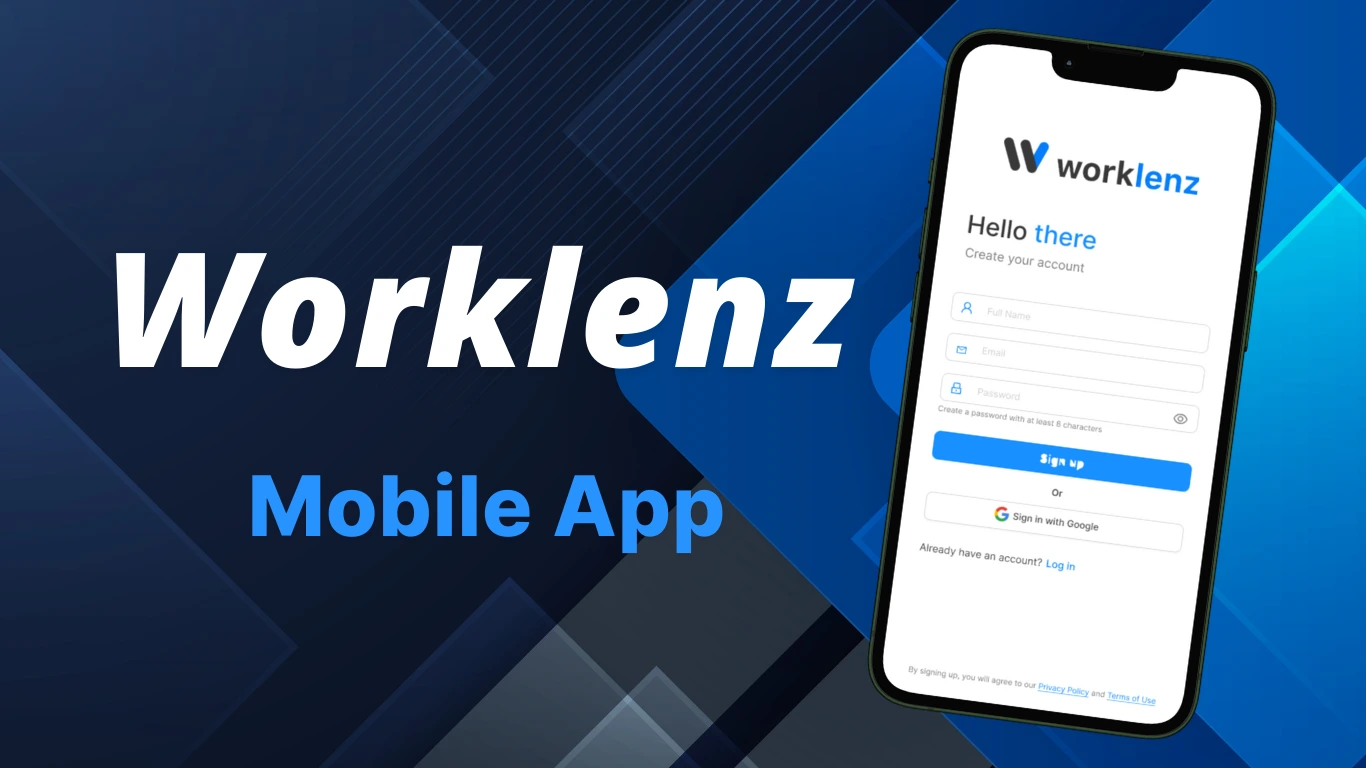
Worklenz mobile app showing tasks and project progress on a phone

How to install Worklenz

On your phone

  1. 1Open the App Store or Google Play on your phone, or tap the badge above.
  2. 2Install the free Worklenz app.
  3. 3Sign in with your Worklenz account, or create one for free.

On Mac or Windows

Coming soon
  1. 1Download the installer for your operating system from this page.
  2. 2Run the installer and follow the prompts.
  3. 3Open Worklenz and sign in with your existing account.

Frequently Asked Questions

Everything you need to know about the Worklenz apps

Is the Worklenz app free to download?

Yes. The iOS and Android apps are free to download. They use your normal Worklenz account, including the free cloud plan, which gives you unlimited users and up to 3 active projects.

Is there a Worklenz desktop app for Mac or Windows?

Desktop apps for macOS and Windows are on the way. Until they launch, you can use the full Worklenz workspace in any modern browser at app.worklenz.com with nothing to install.

Do I need a separate account for the mobile app?

No. Sign in with the same account you use on the web. Your projects, tasks and time logs stay in sync across devices.

Do these apps support self-hosted users?

We're working on this improvement, and it will be available soon.

No download? No problem.

Sign up in seconds and manage your projects from any browser, nothing to install.