Worklenz
Sign in
EN

Operations template

Customer Feedback Analysis Template

Turn customer feedback into action: collect it from every channel, tag themes, find what matters most, prioritise improvements and tell customers what changed.

  • Free plan available
  • Open source (AGPL-3.0)
  • Cloud or self-hosted
Hands on a tablet showing customer feedback ratings

What's included in the Customer Feedback Analysis template

phases
5
tasks
15
labels
5
statuses
3
1. Collect · 3 tasks
  • List feedback sourcesSurveys, reviews, support tickets, sales notes, interviews and social comments.
  • Run the feedback surveySend a short survey with one rating question and an open question.
  • Gather existing feedbackExport recent feedback from each source into one place.
2. Organise · 3 tasks
  • Clean and combine the dataRemove duplicates and spam and combine feedback into one list.
  • Tag feedback by themeGroup comments into themes such as onboarding, pricing, quality or support.
  • Tag by customer segmentNote the customer type, size or plan for each comment.
3. Analyse · 3 tasks
  • Count themes and trendsFind the most common themes and how they changed over time.
  • Find root causesFor the top themes, find out why the problem happens.
  • Summarise insightsWrite the key insights with example quotes.
4. Prioritise & act · 3 tasks
  • Prioritise improvementsRank fixes by impact on customers and effort to deliver.
  • Assign improvement tasksTurn each priority into a task with an owner and date.
  • Track deliveryFollow improvements through to completion.
5. Close the loop · 3 tasks
  • Tell customers what changedShare improvements with the customers who asked for them.
  • Measure the impactRepeat the survey and compare results.
  • Schedule the next reviewSet the next feedback cycle, often quarterly.

Labels

  • Praise
  • Complaint
  • Feature request
  • Bug
  • Quick win

Who this template is for

  • Agencies running client satisfaction reviews
  • Customer success and support teams finding recurring issues
  • Product teams prioritising improvements from user feedback

When to use a customer feedback analysis template

Most teams collect plenty of feedback: survey scores, reviews, support tickets and comments from sales. Far fewer turn it into decisions. Feedback sits in different tools, nobody counts the themes and customers never hear that anything changed. This template turns feedback into a regular cycle: collect, organise, analyse, act and tell customers.

Use it for a quarterly customer review, a client satisfaction programme at an agency or a product feedback review. It suits agencies, customer success teams, support teams and product teams.

How the template is structured

  1. Collect. List your sources, run a short survey and gather existing feedback into one place.
  2. Organise. Clean the data and tag each comment by theme and customer segment.
  3. Analyse. Count themes, find root causes and summarise insights with real quotes.
  4. Prioritise & act. Rank improvements by impact and effort, assign tasks and track delivery.
  5. Close the loop. Tell customers what changed, measure the impact and schedule the next review.

The Quick win label marks improvements that are cheap and visible, which help show customers that feedback leads to action.

How to use it in Worklenz

  1. Create a project for each feedback cycle, such as one per quarter.
  2. Add the phases and tasks above, attaching survey results and exports to their tasks.
  3. Create a task per improvement in the act phase, with owners and dates.
  4. Use labels to filter by feedback type.
  5. Make the review recurring on the Pro plan and above.

Making feedback visible for clients

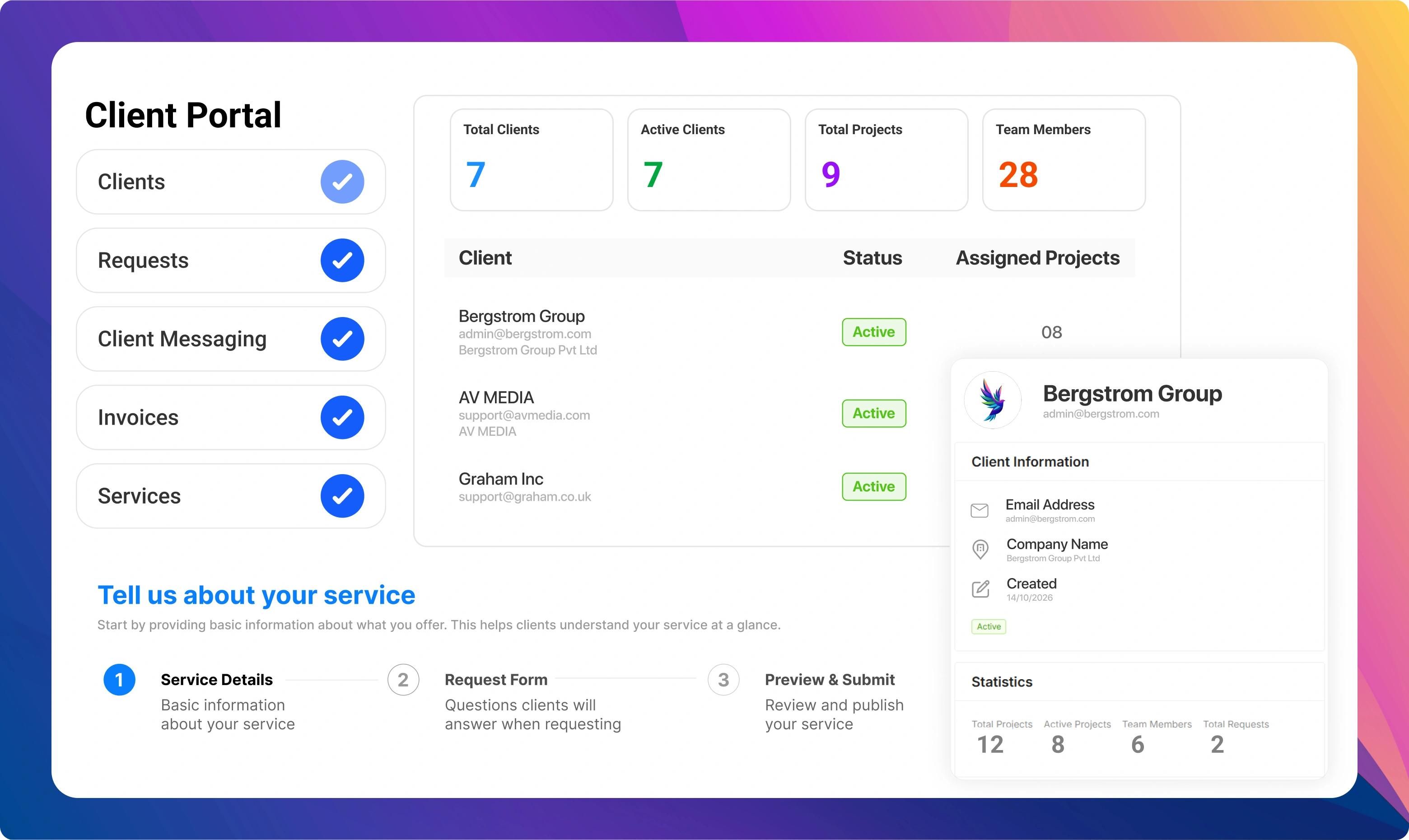
Agencies can use this template to run regular client satisfaction reviews and show clients that their feedback leads to change. On the Business plan, the client portal gives clients a structured way to raise requests and feedback, so less of it is lost in email.

Example: a quarterly client review at an agency

A digital agency sends a five-question survey to its 30 retainer clients every quarter. It combines the answers with notes from account managers and recent support requests. Tagging shows that slow responses to small requests is the most common complaint, especially from smaller clients.

The root cause is that small requests go through the same process as large projects. The agency creates a fast lane for small changes with a two-day response target. Clients who raised the issue get a short note explaining the change, and the next quarter’s survey shows response satisfaction rising.

Building a simple tagging scheme

Tagging is the step that turns a pile of comments into something you can count. Start with eight to twelve themes that match how your customers experience your business, for example onboarding, communication, quality of work, speed, pricing and reporting. Add a sentiment tag for praise or complaint, and a type tag for feature requests or bugs. Keep the list short enough that two people would tag the same comment the same way. Review the scheme each cycle: merge themes nobody uses and split themes that have become too broad. A stable scheme is what lets you compare one quarter with the next and show whether things are improving.

Who should be involved

An owner, often a customer success or operations lead, runs the cycle. Account managers and support staff contribute feedback and context. Team leads own improvements in their areas. Leadership helps prioritise when improvements compete for time.

Common feedback analysis mistakes

The first mistake is reading feedback without counting it, so the loudest comment wins. The second is collecting feedback and not acting. The third is acting without telling customers, so they assume nothing changed. This template builds counting, action and closing the loop into the plan.

Tips for useful feedback analysis

  • Keep surveys short. Short surveys get more answers.
  • Count themes. Numbers make priorities clear.
  • Quote customers. Real words convince teams more than charts.
  • Close the loop. Telling customers what changed builds loyalty.
  • Separate urgent issues. A serious complaint should go to the right person the same day, not wait for the quarterly review.
  • Look at segments. A theme that seems small overall may be the main issue for your most valuable customers.

Related: the market research template and the client onboarding template.

Start your customer feedback analysis project in Worklenz

Sign up free, then set up the phases and tasks above for your team.

Customer Feedback Analysis template FAQs

How do you analyse customer feedback?

Collect feedback from every channel, organise it into themes, count how often each theme appears, find root causes, then prioritise improvements and track them.

How often should customer feedback be reviewed?

A quarterly review works for most teams, with urgent issues handled as they arrive.

Is this customer feedback template free?

Yes. The full template is on this page, and Worklenz's free plan includes task lists, kanban boards and built-in project templates.

Can clients send feedback directly into Worklenz?

On the Business plan, clients can submit requests through the client portal, which gives agencies one place for client feedback and requests.

More operations templates

Operations

Event Planning template

Plan an event from first idea to follow-up: goals and budget, venue and suppliers, programme and speakers, promotion and registration, the day itself and what comes after.

6 phases · 20 tasks. By Worklenz.

Operations

Construction Project template

Plan a construction project from feasibility to handover: design and permits, procurement, site work in sequence, inspections and a clean close-out.

6 phases · 19 tasks. By Worklenz.

Operations

Manufacturing Project template

Take a product from idea to production: requirements and design, prototyping and testing, suppliers and tooling, a pilot run and a controlled production launch.

6 phases · 17 tasks. By Worklenz.

Operations

Inventory Management template

Set up and run a reliable inventory process: audit current stock, set reorder points, organise suppliers and receiving, run regular cycle counts and review performance.

5 phases · 16 tasks. By Worklenz.

Agency & Client Work

Client Onboarding template

A repeatable onboarding plan for agencies: collect access and assets, align on goals, run the kickoff and hand the client into delivery without missed steps.

5 phases · 18 tasks. By Worklenz.

Professional Services

Consulting Engagement template

Run a consulting engagement from signed scope to final handover: kickoff, discovery, delivery with regular client updates, and a close-out that sets up the next piece of work.

5 phases · 17 tasks. By Worklenz.

Explore more templates

Run your next project from a template

Worklenz is an open-source platform for agencies and service teams: projects, time tracking and client work in one place.