When to use a consulting project plan template
Consulting engagements are sold on outcomes but delivered in hours, and the gap between the two is where profit disappears. Scope drifts, discovery takes longer than planned and the final report arrives after the budget has run out. A consulting template keeps the engagement anchored to the signed scope, makes progress and budget visible every week, and closes the work properly.
Use it for strategy projects, audits, implementations, advisory work and any engagement with a defined scope and fee. It suits consultancies of every size, from independent consultants to firms with many teams.
How the template is structured
- Scope & setup. Confirm the statement of work, record the budget and rates, and set up the project and team. Recording the hours sold at the start is what makes the weekly budget check possible.
- Kickoff. Prepare and run the kickoff, then send information requests with due dates. Late information is the most common reason engagements overrun.
- Discovery. Interview stakeholders, analyse data and share interim findings before detailed work starts.
- Delivery. Develop the main deliverable, send a weekly status update with hours used against budget, manage change requests and review drafts with the client.
- Close-out. Deliver the final report, reconcile time and invoice, hold a client review and write an internal retrospective.
Labels such as Billable, Non-billable and Change request keep the commercial side of the engagement visible.
How to use it in Worklenz
- Start from the built-in Services & Consulting template during setup, or create a new project and add these phases and tasks.
- Link the client and add the team, with one owner per task.
- Log time against tasks with a timer or manual entries on the Pro plan and above, and mark time as billable.
- Set the budget and rate cards with project finance on the Business plan, to compare the fee with the cost of logged time.
- Send the weekly status update from what the project already shows: tasks done, hours used and open risks.
Making consulting work visible and billable
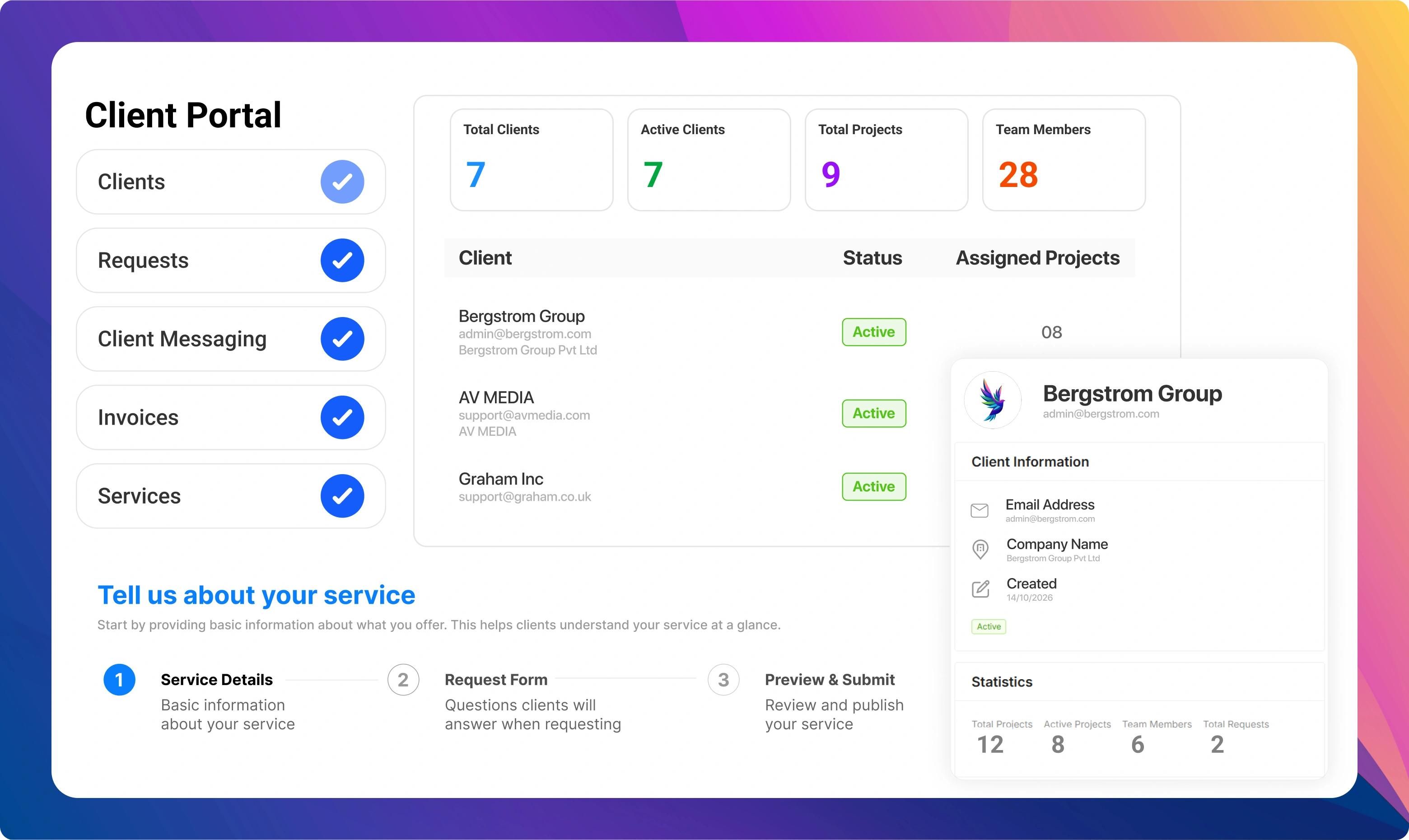
Worklenz is built for firms that sell time. Time tracking captures hours against each engagement, and timesheet reports show who worked on what. On the Business plan, project finance holds the budget, organisation and project rate cards, and the billable work report helps you prepare client invoices. The client portal lets clients submit requests and follow progress without long email threads.
Example: an operations review for a manufacturer
A consultancy is hired for an eight-week operations review at a mid-sized manufacturer, priced at a fixed fee based on 40 consultant days. At kickoff, the team agrees the stakeholders to interview and sends a list of data requests. Two of them arrive late, which shows up in the weekly status update as a risk, and the client chases them internally.
Interim findings in week four confirm the focus on two production lines. A request to add a third line is logged as a change request and approved with its own fee. The final report is delivered in week eight, time logged is reconciled against the 40 days, and the client review leads to a follow-on implementation project.
Who should be involved
An engagement lead owns the scope, the client relationship and the final recommendations. Consultants and analysts own discovery and delivery tasks. A partner or director reviews key deliverables before they reach the client. On the client side, a sponsor owns the outcome and a day-to-day contact handles information requests and scheduling.
Common consulting project mistakes
The first mistake is starting work before the scope is signed. The second is not tracking hours against the budget until the end, when it is too late to act. The third is accepting extra requests informally. This template puts the signed scope, weekly budget visibility and change requests into the plan from day one.
Tips for profitable engagements
- Record the hours sold at the start. You cannot manage a budget you have not written down.
- Report hours used every week. Clients prefer early warnings to late surprises.
- Price change requests separately. Small favours add up quickly.
- Close every engagement with a review. It is the best moment to find the next piece of work.
Related: the client onboarding template and the resource allocation template.