
10 Best Resource Management Software for 2027
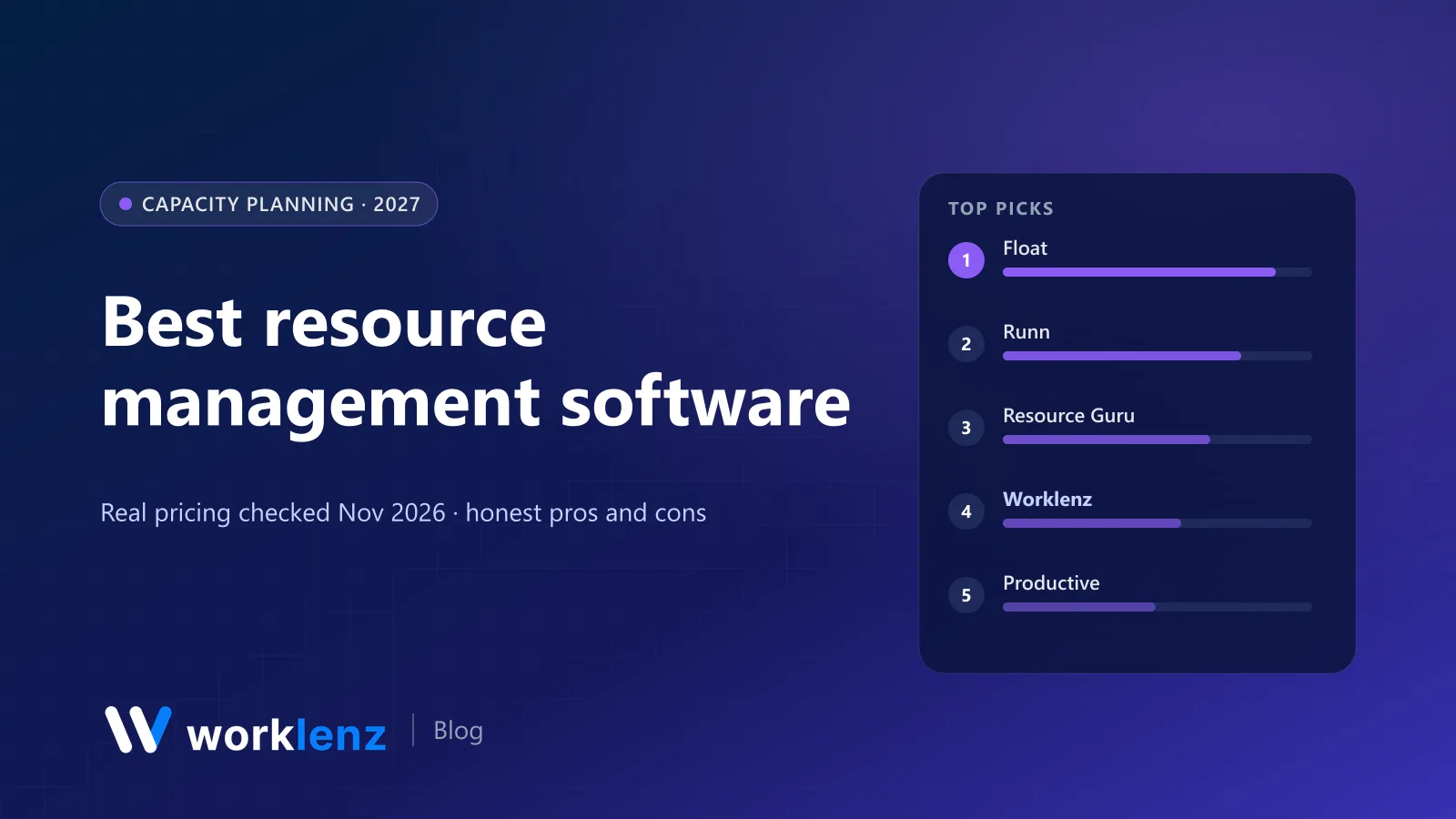
Resource management is the part of running a services team that most tools get wrong. Either they show you a workload chart of tasks already assigned, which is too late, or they’re a beautiful scheduler that knows nothing about your actual projects, hours or budgets.
The good ones answer three questions fast: who’s free next week, who’s overbooked, and can we take on that new project? Here are the ten tools that answer them best. Prices were checked on vendor pages on 19 November 2026. We make Worklenz, which is on the list.
Quick picks
- Best dedicated scheduler: Float
- Best for forecasting and scenarios: Runn
- Simplest and cheapest: Resource Guru
- Best inside a project management tool: Worklenz
- Best for agency profitability: Productive
- Best for client-work teams: Teamwork.com
- Best for very large firms: Kantata
Comparison table
| Tool | Pricing model | Starts at | Minimum | Free plan | Time tracking |
|---|---|---|---|---|---|
 Float |
Per scheduled person | $7 | Not shown | No (30-day trial) | Pro ($12) |
 Runn |
Per resource seat | $7 | 20 seats | No (30-day trial) | Standard ($11) |
 Resource Guru |
Per person | $5 | Not shown | No (free trial) | Blackbelt ($8) |
 Worklenz |
Per active user | $6 | None | 5 members (no resourcing) | Pro |
 Productive |
Per user | ~$10–12 | 3 seats (vendor summary) | No (14-day trial) | Essential |
 Teamwork.com |
Per user | $24.99 for workload | 5 seats | 5 users | Yes |
 Smartsheet |
Per member + add-on | $19 for workload | 3 members | No | No |
 Scoro |
Per user (modules) | $29 for Projects & Resources | 5 seats | No | Yes |
 Kantata |
Quote | Quote | Not shown | No | Yes |
 Teamhood |
Per user | €11 | 3 seats | No (first month free) | Yes |
What it costs to schedule 10, 25 and 50 people
Monthly, on the tier with scheduling plus time tracking where possible:
| Tool and tier | 10 people | 25 people | 50 people |
|---|---|---|---|
| Worklenz Pro (workload, view-only scheduler) | $60 | $150 | $300 |
| Worklenz Business (full scheduler, finance) | $100 | $250 | $500 |
| Resource Guru Blackbelt | $80 | $200 | $400 |
| Float Pro | $120 | $300 | $600 |
| Runn Standard (20-seat minimum) | $220 (billed as 20) | $275 | $550 |
| Teamhood (€11) | ~€110 | ~€275 | ~€550 |
| Teamwork.com Accelerate | ~$250 | ~$625 | ~$1,250 |
How we chose
We weighted four things:
- Speed of the schedule. Can a resource manager move someone in two clicks?
- Connection to reality. Does the plan know about actual hours and tasks, or does it drift?
- Forecasting. Tentative bookings, scenarios and role-based demand.
- Cost and minimums, especially for teams under 20.
The 10 best resource management tools
1. Float
Float is what many agencies and studios use for the schedule on the big screen. It’s fast, visual and built around people, not tasks. Starter is $7 per scheduled person per month with resource scheduling, capacity and time-off management. Pro is $12 and adds time tracking and project cost estimation. Enterprise is annual-only and quote-based. There’s a 30-day trial and no free plan.
Strengths
- Very fast drag-and-drop scheduling
- Capacity and time off from the entry plan
- Clear, shareable schedule views
Limitations
- No free plan
- Time tracking needs Pro
- Not a task manager, so you’ll run a PM tool too
Pick it if: scheduling people across projects is the job. Skip it if: you want one tool for tasks, time and scheduling.
2. Runn
Runn is the forecaster’s choice. Capacity and utilisation charts, project financials and saved scenarios let you model “what if we win this pitch?” before you commit. Lite is $7 and Standard $11 per resource seat, with plans starting at 20 resource seats per Runn’s FAQ. Standard adds timesheets and has a 30-day trial.
Strengths
- Scenarios and forecasting
- Project financials alongside the schedule
- Utilisation insights from Lite
Limitations
- 20-seat minimum
- Advanced plan is quote-only
- Not a task manager
Pick it if: you’re 20+ people and forecasting matters. Skip it if: you’re a 6-person studio; the minimum doesn’t fit.
3. Resource Guru
Resource Guru is the simplest scheduler that still does the job properly. All plans schedule people; Blackbelt ($8 a person annually, or $9.60 monthly) adds capacity heatmaps, utilisation reports, timesheets with approvals, project rates and budget tracking. Grasshopper starts at $5, Master is $12. You can also schedule rooms and equipment at a lower rate.
Strengths
- Lowest entry price
- Timesheets with approvals on Blackbelt
- Books rooms and equipment too
Limitations
- No task-level planning
- No free plan
- Forecasting is lighter than Runn’s
Pick it if: you want a clean scheduler at a low price. Skip it if: you need task-level planning.
4. Worklenz
Worklenz does resource planning inside the project tool. You see each person’s workload across every project, plan their weeks in the scheduler, and compare estimated against actual time logged on tasks. Because time, tasks and clients are in one place, the capacity picture uses real data instead of a separate schedule that drifts.
Pro ($6 a user annually) includes workload, time tracking and a view-only scheduler. Business ($10) adds full scheduler and Gantt editing, project finance and advanced reporting. No minimum seats. The open source Community edition includes resource planning and the scheduler for free if you self-host.
Strengths
- Capacity based on real tasks and logged time
- No minimum seats
- Time-off marking even on Free
Limitations
- Full scheduler editing needs Business
- No tentative bookings or long-range role forecasting like Runn
- Less specialised than a dedicated scheduler
Pick it if: you want capacity planning without a second subscription. Skip it if: you need scenario modelling for a 200-person firm.
See Worklenz resource management.
5. Productive
Productive treats resourcing as part of agency finance. Resource planning is on Essential (~$10–12 a user), and you can see how bookings affect budgets and margins. Scenario Builder and revenue forecasting are on Ultimate.
Strengths
- Resourcing connected to budgets
- Resource planning from the entry tier
- Strong agency reporting
Limitations
- No free plan
- Scenarios only on Ultimate
- Heavier than a pure scheduler
Pick it if: you want resourcing tied to profitability. Skip it if: you only need a schedule.
6. Teamwork.com
Teamwork.com’s workload planner and live capacity are on Accelerate ($24.99 a user annually, 5-user minimum), alongside time budgets and retainers. It’s strong for client-service teams who also want client users in projects.
Strengths
- Workload inside a mature PM tool
- Retainers and time budgets
- Client users
Limitations
- $24.99 a seat for workload
- 5-user minimum
- Forecasting is basic
Pick it if: you want resourcing inside a mature client-work PM tool. Skip it if: $25 a seat is hard to justify.
7. Smartsheet
Smartsheet Business ($19 a member annually, 3+ members) includes workload tracking, and its separate Resource Management product (formerly 10,000ft) is a paid add-on for Business and Enterprise.
Strengths
- Workload inside a familiar grid
- Resource Management add-on is mature
Limitations
- Add-on costs extra
- No free plan
Pick it if: you’re already a Smartsheet shop. Skip it if: you’d be buying Smartsheet just for this.
8. Scoro
Scoro’s Resource app (bookings, planner, utilisation report) comes in the Projects & Resources combination from $29 a user with a 5-user minimum, or the End-to-end bundle ($57).
Strengths
- Resourcing next to quotes and invoices
- Utilisation reporting
Limitations
- 5-user minimum
- Module pricing adds up
Pick it if: you want resourcing, quotes and invoicing in one system. Skip it if: you’re small or only need scheduling.
9. Kantata
Kantata is the enterprise answer: skills-based staffing, role-based forecasting and deep financials for large professional services firms. Pricing is quote-only.
Strengths
- Skills and role-based staffing at scale
- Deep financials
Limitations
- Quote-only
- Needs an admin and an implementation
Pick it if: you staff hundreds of consultants. Skip it if: you don’t have a PSA admin.
10. Teamhood
Teamhood combines Kanban boards with capacity and allocation planning and timesheets in one plan: €11 a user annually (€14 monthly), minimum 3 users, first month free.
Strengths
- One plan with everything
- Visual boards plus capacity
Limitations
- 3-user minimum
- No client billing
Pick it if: you like visual boards and want capacity planning included. Skip it if: you need client billing.
Also worth a look
- Hub Planner: a dedicated scheduler with timesheets, popular with agencies and engineering firms.
- Toggl Track Premium: a “capacity basics” view and capacity add-on alongside time tracking.
- TimeCamp Premium: a resource planner bundled with time tracking at $6.99.
- OpenProject: a team planner in the free open source Community edition.
How to choose resource management software
Start with the planning horizon. If you plan this week and next, a workload view in your PM tool is enough. If you plan quarters ahead by role, you need Runn, Float or Kantata.
Check what feeds the plan. A scheduler that doesn’t see actual hours will drift. Tools that combine tasks, time and scheduling (Worklenz, Productive, Teamwork.com) stay closer to reality.
Watch minimum seats. Runn starts at 20 seats, Scoro at 5, Teamwork.com Accelerate at 5, Teamhood at 3. A small team can pay for people it doesn’t have.
Plan for tentative work. If you pitch a lot, you need soft bookings that don’t block people. Float, Runn and Resource Guru are strongest here.
Which tool for which team
- 8-person design studio: Worklenz Pro or Resource Guru Blackbelt.
- 30-person agency that pitches constantly: Float Pro or Runn Standard.
- 60-person consultancy focused on margins: Productive or Runn.
- 300-person PS firm: Kantata.
Getting started with resource planning
- Set capacity per person. Contracted hours minus meetings and admin. Most people have 28–32 project hours a week.
- Enter time off before anything else.
- Book confirmed work first, then tentative work in a different colour or status.
- Review weekly with project leads, not just the resource manager.
- Compare plan to actuals monthly and adjust your estimates.
Resource management mistakes to avoid
- Scheduling to 100%. Leave room for meetings, admin and the unplanned. Most teams plan 80 to 90 percent of real capacity.
- Separate plan and reality. If the schedule never meets actual timesheets, nobody trusts it after a month.
- Ignoring tentative work. Pipeline deals that might land need soft bookings, or you’ll overcommit when two close in the same week.
- Booking people, not skills. As you grow, plan by role first, then name people.
FAQ
What is the best resource management software?
How much does resource management software cost?
What's the difference between resource management and workload management?
Do I need a separate resource management tool?
What is a good utilisation rate?
See capacity, time and client work in one place.
Worklenz shows every person's workload across all projects, with time tracking and the client portal included.
Start a free trialRelated: Best workload management tools · Best PSA software · How to manage team workload