
10 Best Open Source Client Portal Software 2027
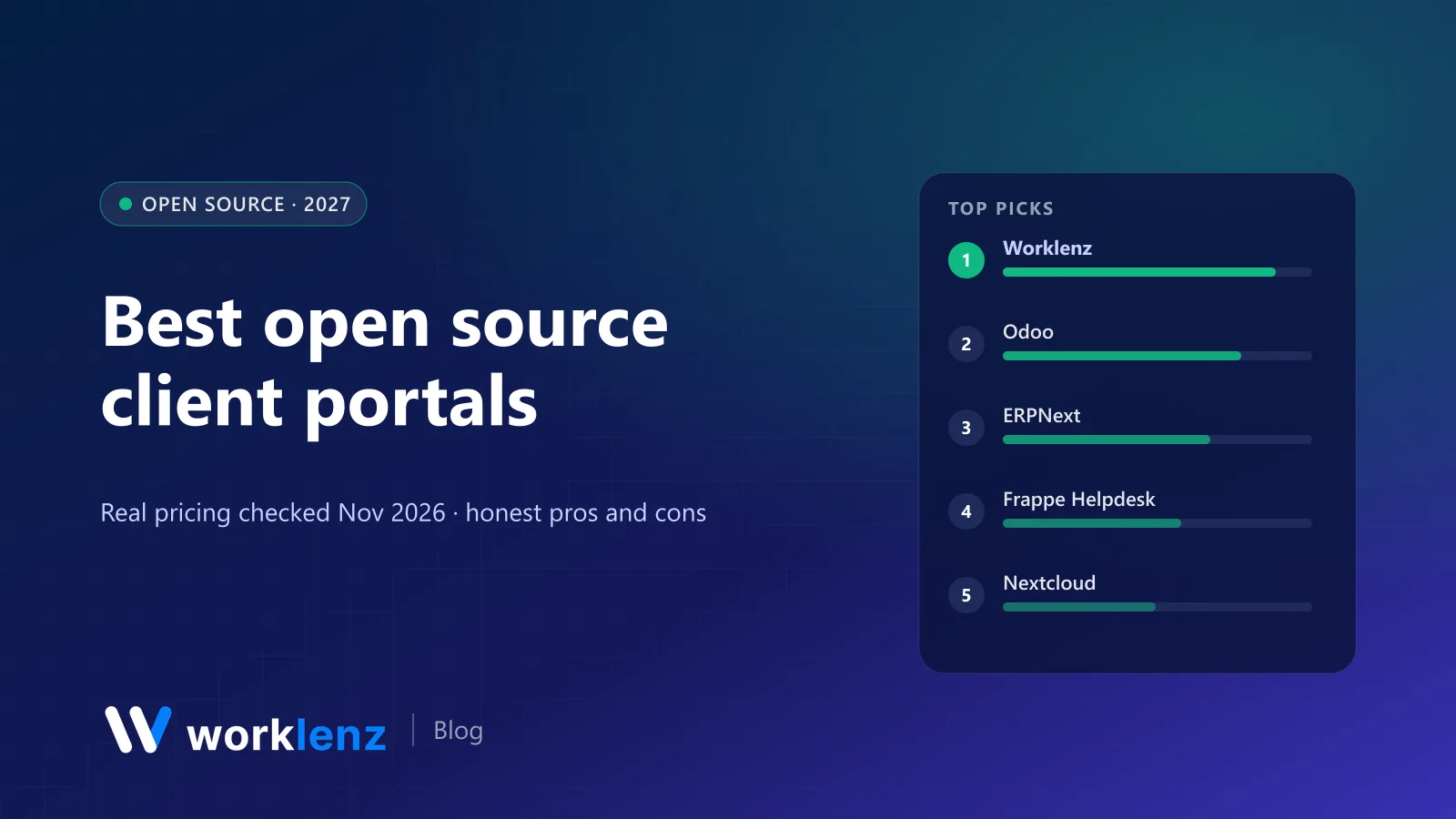
A client portal does one thing: it stops clients asking “where are we on this?” by email. The good ones show progress, collect requests and share files, without exposing your internal chatter. Self-hosted, open source portals add one more benefit: the client’s data stays on your servers.
Most “open source client portal” lists you’ll find are full of WordPress plugins and paid scripts. We’ve stuck to tools with a published open source (or clearly labelled source-available) licence, checked on 19 November 2026. We make Worklenz, which is on the list.
Quick picks
- Best for project-based client work: Worklenz
- Best ERP customer portal: Odoo Community
- Best free ERP portal: ERPNext
- Best for support tickets: Frappe Helpdesk
- Best for file sharing: Nextcloud
- Best for small firms on cheap hosting: Dolibarr
What clients can do in each portal
| Tool | Licence | Clients can see | Clients can do |
|---|---|---|---|
 Worklenz |
AGPL-3.0 | Their projects and progress | Submit requests, view updates |
 Odoo Community |
LGPL-3.0 | Quotes, orders, invoices, tasks, tickets | Sign quotes, pay, comment |
 ERPNext |
GPL-3.0 | Orders, invoices, projects, issues | Raise issues, view documents |
 Frappe Helpdesk |
AGPL-3.0 | Their tickets | Raise and reply to tickets |
 Nextcloud |
AGPL-3.0 | Shared folders and files | Upload, download, comment |
 Dolibarr |
GPL-3.0 | Linked third-party data (external users) | Depends on modules |
 SuiteCRM |
AGPL-3.0 | Cases (via portal add-ons) | Raise cases |
 OpenProject |
GPL-3.0 | Projects they’re members of | Comment, update work packages |
 Plane |
AGPL-3.0 | Projects they’re invited to as guests | Comment, create issues |
 Invoice Ninja |
Elastic License (source-available) | Invoices, quotes, payments | Pay, approve quotes |
Pick by what clients ask you for
| Clients mostly ask… | Best fit |
|---|---|
| “Where are we on the project?” | Worklenz |
| “Can you send the quote / invoice again?” | Odoo, Invoice Ninja |
| “Can you fix this issue?” | Frappe Helpdesk, ERPNext |
| “Where’s the latest file?” | Nextcloud |
| “Can I comment on the plan?” | OpenProject, Plane |
The 10 best open source client portals
1. Worklenz
Worklenz has a client portal designed for agencies and consultancies: each client gets a view of their projects that’s separate from your internal workspace, where they can follow progress and submit requests. Behind the portal, your team manages tasks, time tracking, resource planning and budgets in the same tool, so what clients see is always current.
The open source README states that the Client Portal is included for every organisation in the self-hosted build, which is AGPL-3.0 and free for unlimited users. On Worklenz Cloud, the client portal, client requests and invoices are on Pro ($6 a user annually), and the branded client portal is on Business ($10).
Strengths: portal backed by live project data; requests come in structured; internal work stays private. Limitations: the portal is built around project progress and requests, not proposals, e-signatures or online payments.
Pick it if: your clients care about project progress and you want delivery and portal in one tool. Skip it if: your portal is mainly about online payments and e-signatures.
Learn about the Worklenz open source client portal.
2. Odoo Community
Odoo’s customer portal is built into the platform. Customers can view and sign quotes, see orders and invoices, follow tasks and tickets, and pay online if configured. Because it’s part of the ERP, everything is connected to sales and accounting.
Pick it if: you run Odoo or want a portal tied to quotes and invoices. Skip it if: you want a lightweight portal without an ERP.
3. ERPNext
ERPNext (GPL-3.0) includes a web portal where customers can see orders, invoices, projects and issues, and raise new issues. It’s functional and free, with an ERP’s look and feel.
Pick it if: you want a free portal linked to accounting. Skip it if: client experience and design are a priority.
4. Frappe Helpdesk
Frappe Helpdesk (AGPL-3.0) is open source customer service software with a customer portal for raising and following tickets. Its README says the main branch stopped at version 1.32 and gets no more updates, so check which branch the project currently recommends before installing.
Pick it if: your client relationship is mostly support requests. Skip it if: you need project progress views.
5. Nextcloud
Nextcloud (AGPL-3.0, ~38k stars) is the go-to for self-hosted file sharing. You can give clients shared folders or links with passwords and expiry dates, let them upload files and comment, and edit documents together with an office integration. Its Deck app adds simple Kanban boards, though Deck’s README says it’s not yet ready for intensive usage.
Pick it if: the client relationship revolves around files. Skip it if: you need project tracking.
6. Dolibarr
Dolibarr (GPL-3.0) lets you create external users linked to a third party (customer or supplier) and control what modules they can see. It’s not a polished portal, but on cheap PHP hosting it covers basic needs.
Pick it if: you already run Dolibarr for proposals and invoices. Skip it if: you want a modern client experience.
7. SuiteCRM
SuiteCRM (AGPL-3.0) is a mature open source CRM. Customer case portals are available through add-ons, so clients can raise and track cases.
Pick it if: you’re on SuiteCRM and need a case portal. Skip it if: you’re not already using SuiteCRM.
8. OpenProject
OpenProject (GPL-3.0) doesn’t have a dedicated client portal, but you can add clients as project members with restricted roles so they see work packages, Gantt charts and comments for their project only.
Pick it if: your clients are comfortable inside a project tool. Skip it if: you want clients separated from your internal workspace.
9. Plane
Plane (AGPL-3.0) supports guests, which can be used for clients on technical projects who want to file issues and follow progress. It works well for software agencies whose clients are product teams.
Pick it if: your clients are technical. Skip it if: your clients want a simple status page.
10. Invoice Ninja
Invoice Ninja includes a client portal where clients view invoices and quotes, make payments and see project time. It’s published under the Elastic License, so it’s source-available, not OSI open source.
Pick it if: billing is the main reason clients log in. Skip it if: you need a strictly open source stack.
Securing a self-hosted client portal
- HTTPS everywhere, with a real certificate and your own domain.
- One account per client contact. No shared logins, so you can revoke access when someone leaves.
- Least privilege. Clients see their own projects only; check this with a test client account before going live.
- Backups and updates on a schedule, with a named owner.
- An exit plan. Know how you’d export a client’s data if they asked for it.
Setting up a client portal clients will actually use
- Show status, not tasks. Clients want to know where things stand and what’s next, not the 40 subtasks behind it.
- Make requests structured. A request form with a few fields beats an inbox. It’s easier to scope and bill.
- Keep internal comments internal. Choose a portal that separates the client view from your workspace (Worklenz, Odoo, ERPNext) rather than inviting clients into everything.
- Send the link in your first email. Adoption is decided in week one. Make the portal the place answers live.
Rolling a portal out to existing clients
- Start with your friendliest client. Get feedback before you change everyone’s routine.
- Load their current project so the portal is useful from the first login.
- Send a short welcome note explaining what they’ll find there and how to send requests.
- Answer in the portal, even when they email. Reply with the link.
- After a month, roll out to the rest.
FAQ
What is the best open source client portal?
Why use a self-hosted client portal?
Can I white-label an open source client portal?
What should a client portal include?
Are WordPress client portal plugins open source?
An open source client portal backed by real project data.
Self-host Worklenz free, or use the client portal on Worklenz Cloud Pro from $6 a user.
See the client portalRelated: Best client management software · How agencies use client portals to reduce emails · Best open source agency management software