
10 Best Client Management Software for 2027
“Client management” means different things depending on who’s asking. A wedding photographer means proposals, contracts and payments. An agency means a client portal where clients see project progress and send requests instead of emailing six people. A consultancy means CRM plus billable hours.
So this list is organised by the job, not just ranked. All prices were checked on vendor sites on 19 November 2026. We make Worklenz, which is in here for the agency use case.
Quick picks
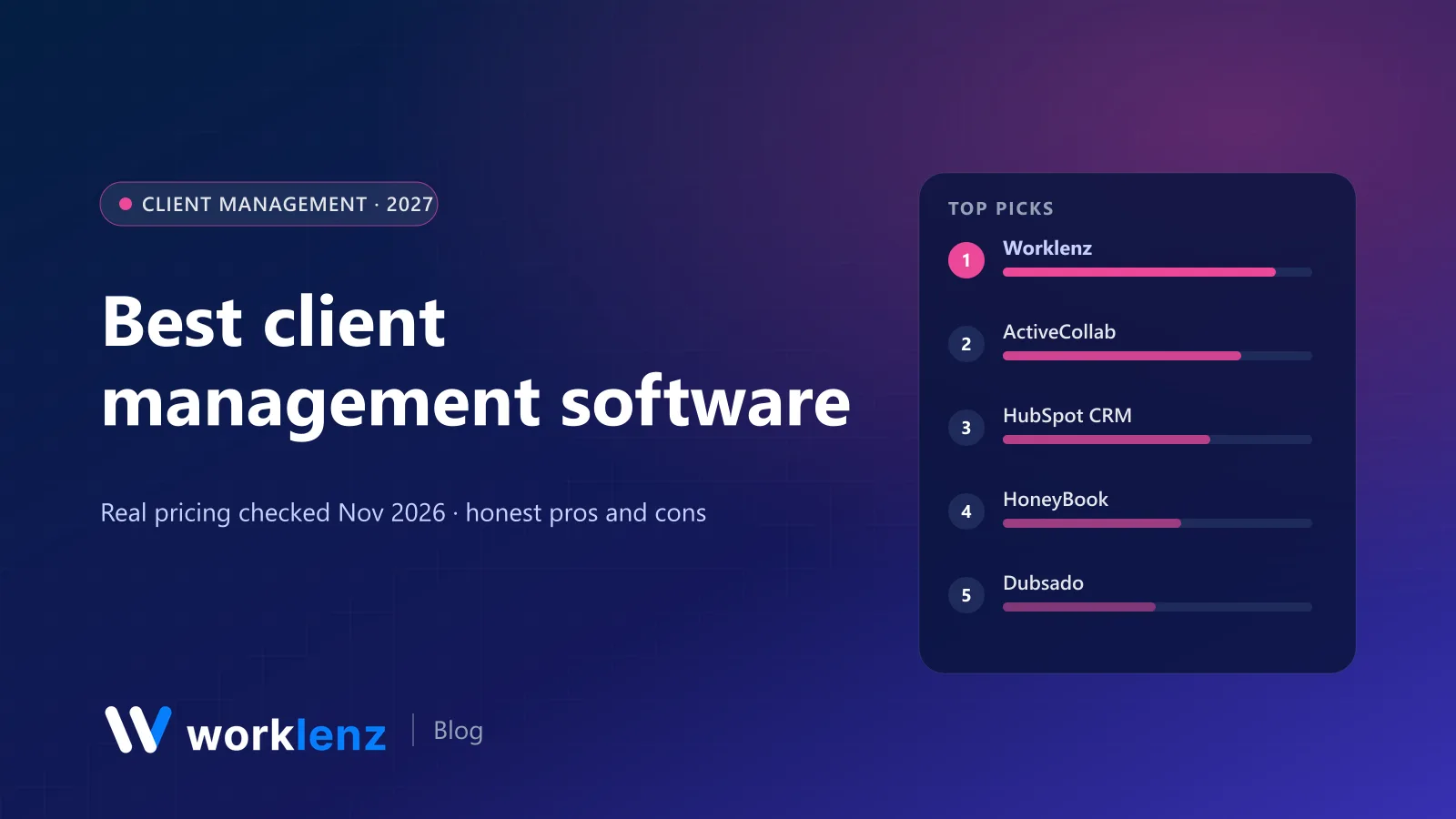
- Best for agencies delivering client projects: Worklenz
- Best long-standing agency tool with billing: ActiveCollab
- Best free CRM: HubSpot
- Best for service businesses that sell with proposals: HoneyBook
- Best for complex client workflows and automations: Dubsado
- Best all-in-one for freelancers: Moxie
- Best for freelancers who want admin handled: Bonsai
- Best branded client portal: Assembly
Comparison table
| Tool | Best for | Starts at (annual) | Free plan | Client portal | Invoicing |
|---|---|---|---|---|---|
 Worklenz |
Agencies, consultancies | $6/user | 5 members (no portal) | Pro (branded on Business) | Pro |
 ActiveCollab |
Agencies wanting PM + billing | $10/user | No (14-day trial) | Client roles on all plans | Pro+ ($15) |
 HubSpot CRM |
Sales pipeline | Free | 2 users, 1,000 contacts | Not shown | Payments on Starter |
 HoneyBook |
Service businesses | $29/mo | No (trial) | Starter | Starter |
 Dubsado |
Workflow automation | $335/yr | No (21-day trial) | Both plans | Both plans |
 Moxie |
Freelancers | $10/mo | No (14-day trial) | Pro ($20) | Starter |
 Bonsai |
Freelancers, small studios | $9/user | No (7-day trial) | Essentials ($19) | Essentials |
 Agiled |
Solo operators | $24/mo | No (14-day trial) | Branded on Business | Starter |
 Assembly |
Branded portals | $20/mo | 5 active contacts | Free and up | Free and up |
 SuiteDash |
Unlimited clients, flat price | $15/mo ($180/yr) | No (30-day trial) | All plans | Yes |
What client management covers
Most tools here do some of these five jobs. Few do all of them well:
- Win the client: leads, pipeline, proposals.
- Sign the client: contracts, e-signature, deposits.
- Onboard the client: forms, questionnaires, welcome steps.
- Deliver for the client: projects, tasks, progress updates, requests.
- Bill the client: invoices, payments, time-based billing.
Freelancer tools (HoneyBook, Dubsado, Moxie, Bonsai) are strongest at 1–3 and 5. Agency tools (Worklenz, ActiveCollab) are strongest at 4 and 5. CRMs (HubSpot) cover 1.
For agencies and consultancies
1. Worklenz
Most client management tools treat the project as an afterthought. Worklenz starts from the project. Your team plans and tracks the work; clients get a portal that shows their projects and progress, where they can submit requests, and you send invoices from the same place. Because time tracking is built in, you can show clients exactly where the hours went.
Pro is $6 a user annually ($8 monthly) and includes the client portal, client requests and invoices, time tracking and timesheets, plus 3 guests per project. Business ($10) adds a branded client portal, project finance and unlimited guests. The Community edition is open source and free to self-host, which is handy when client contracts require data to stay on your servers.
Strengths
- Client portal and requests tied to real project data
- Time tracking and invoices in the same place
- Self-hostable for strict client contracts
Limitations
- No proposals, e-signature contracts or sales pipeline
- CRM is on the roadmap, not shipped
- Branded portal needs Business
Pick it if: your client relationships revolve around delivering projects. Skip it if: you mostly need proposals, contracts and payment schedules.
See the Worklenz client portal.
2. ActiveCollab
ActiveCollab has served agencies for years. Clients get free client roles on all plans with unlimited projects. Pro is $10 a user annually with time and expense tracking; Pro+ ($15) adds integrated invoicing, online payments and estimates. A Plus plan covers 3 members for $12.50 a month.
Strengths
- Free client roles, unlimited projects
- Time, expenses and invoicing in one tool
- Long track record with agencies
Limitations
- Invoicing only on Pro+
- No free plan
- Interface feels older than newer tools
Pick it if: you want project management and billing with a long track record. Skip it if: you want a modern client portal experience.
3. HubSpot CRM
If your client management problem is really a sales problem, start here. HubSpot CRM is free for up to 2 users with 1,000 contacts and no time limit. Starter begins at $7 a seat on annual payment for new customers (normally $20) and adds payments, e-signatures and higher limits.
Strengths
- Excellent free CRM
- Contact and deal history in one place
- Grows into marketing and service tools
Limitations
- Doesn’t manage delivery
- Free plan limited to 2 users and 1,000 contacts
- Costs rise quickly as you add hubs
Pick it if: you need pipeline and contact history. Skip it if: you need to manage delivery or share progress with clients.
For service businesses and freelancers
4. HoneyBook
HoneyBook is built around booking clients: inquiry forms, proposals, contracts, invoices and payments in a smooth client-facing flow. Starter is $29, Essentials $49 (up to 2 team members) and Premium $109 (unlimited team) a month on yearly billing. Every plan includes the client portal, proposals, contracts, invoices and payments.
Strengths
- Smooth inquiry-to-payment client flow
- Client portal on every plan
- Unlimited clients and projects
Limitations
- Light project and task management
- No time tracking in the plan tables
- Team seats limited below Premium
Pick it if: you sell services through proposals and want clients to pay online. Skip it if: you run multi-person projects with tasks and timelines.
5. Dubsado
Dubsado is for people who love automating client workflows: forms, proposals, contracts, payment plans and scheduled emails triggered by what clients do. Starter is $335 a year and Premier $525, with unlimited clients and projects on both. Public proposals and unlimited lead capture forms are on Premier. The 21-day trial gives full Premier access.
Strengths
- Powerful workflow automation
- Payment plans built in
- Unlimited clients on both plans
Limitations
- Steep learning curve
- Annual billing only
- Light delivery tools
Pick it if: you want your onboarding to run itself. Skip it if: you don’t want to spend a weekend building workflows.
6. Moxie
Moxie is a well-priced all-in-one for freelancers: proposals, contracts, invoicing, project management, time tracking and a sales pipeline from Starter ($10 a month annually). Pro ($20) adds a white-labelled client portal and custom domain. Teams ($32) covers up to five team members.
Strengths
- Very low price for a full freelancer toolkit
- White-label portal on Pro
- Time tracking included
Limitations
- Teams plan caps at five people
- Portal not on Starter
- Not built for agencies
Pick it if: you’re a freelancer or tiny team and want one tool. Skip it if: you’re more than five people.
7. Bonsai
Bonsai covers CRM, tasks and time tracking on Basic ($9 a user annually), then adds the client portal, proposals, contracts and invoices on Essentials ($19). Premium ($29) adds a deals pipeline and removes Bonsai branding. Elite ($49) needs 3 users.
Strengths
- Freelancer admin in one place
- Time tracking on the cheapest plan
- Grows into small-studio plans
Limitations
- Portal and invoices start at Essentials
- Branding removal on Premium
- Short 7-day trial
Pick it if: you want freelancer admin and client work in one place. Skip it if: you need the portal on the cheapest plan.
8. Agiled
Agiled bundles CRM, projects, invoices, contracts and a client portal for solo operators. Starter ($24 a month annually) has 1 seat, 10 projects and 100 invoices; Pro ($59) removes most limits with 3 seats. Portal branding and custom domain are on Business ($99) or a $19 add-on.
Strengths
- CRM and billing in one app
- Generous limits from Pro
Limitations
- Starter limits are tight
- Branding costs extra below Business
Pick it if: you want CRM and billing in one app as a one-person business. Skip it if: you’ll hit the Starter limits quickly.
For branded portals at scale
9. Assembly
Assembly (formerly Copilot) is a dedicated client portal platform. You can bring billing, files, messages, forms and apps into one branded space. The free plan covers 5 active contacts; Starter is $20 a month (50 contacts), with Professional and Advanced tiers for more contacts, internal users, custom domains and badge removal.
Strengths
- The most polished branded portal here
- Billing, messages and files in one space
- Free plan to try it
Limitations
- Priced by active contacts
- No internal project management behind the portal
- Custom domains on higher tiers
Pick it if: a branded client experience is the product. Skip it if: you need internal project management behind the portal.
10. SuiteDash
SuiteDash charges one price regardless of users: Start is $19 a month ($180 a year), Thrive $49 and Pinnacle $99, all with unlimited clients, staff and portals plus strong white-labelling. It includes CRM, projects, billing and file sharing, so it’s broad, though each part is less polished than a specialist tool.
Strengths
- Unlimited clients and staff at a flat price
- White-labelling from the cheapest plan
- 30-day trial
Limitations
- Jack of all trades
- Interface takes time to learn
Pick it if: you have many clients and want a flat, white-label platform. Skip it if: you want best-in-class project management.
Also worth a look
- Teamwork.com: client users from Basics ($9.99) in a mature PM tool.
- Paymo: guest access, time tracking and invoicing for small studios.
- Odoo: customer portal for quotes, orders and invoices inside a full ERP.
How to choose
Match the tool to where clients interact with you. If clients mostly see proposals and invoices, pick HoneyBook, Dubsado or Moxie. If clients mostly want to see project progress and send requests, pick a project-first tool like Worklenz or ActiveCollab.
Check how clients are counted. Some tools count client logins as seats, some limit “active contacts”, and some are unlimited. Assembly limits contacts per tier, SuiteDash is unlimited, and Worklenz limits guests (3 per project on Pro, unlimited on Business). Ask every vendor how a client login is billed.
Look at the branding tier. Removing a vendor’s branding or using your own domain is almost always a higher tier. Budget for it if clients will see the portal every week.
Consider data residency. If your contracts require client data on your own servers, choose something you can self-host, such as Worklenz Community.
Which tool for which business
- Solo designer or photographer: HoneyBook or Moxie.
- Freelance developer who bills hourly: Bonsai or Moxie.
- 10-person agency delivering projects: Worklenz or ActiveCollab.
- Coaching or consulting firm with many clients: SuiteDash or Assembly.
- Sales-led business: HubSpot CRM, plus a delivery tool.
FAQ
What is client management software?
What is the best client management software for agencies?
What is the best client management software for freelancers?
Is there free client management software?
Is client management software the same as a CRM?
Give clients a portal that shows the work.
Worklenz Pro includes a client portal, client requests and invoices, alongside time tracking, for $6 a user annually.
Start a free trialRelated: Best open source client portal software · How agencies use client portals to reduce emails · Client portal software: complete guide