-
Fixed the Slack configuration popup showing the project ID instead of the project name
-
Fixed assigning a 6th member to a task unassigning an existing member
-
Fixed the Invite button overflowing the popup for long email addresses
-
Fixed the team name appearing in the "What's New" release notification
-
Fixed no warning appearing when starting a new timer session while another is running
-
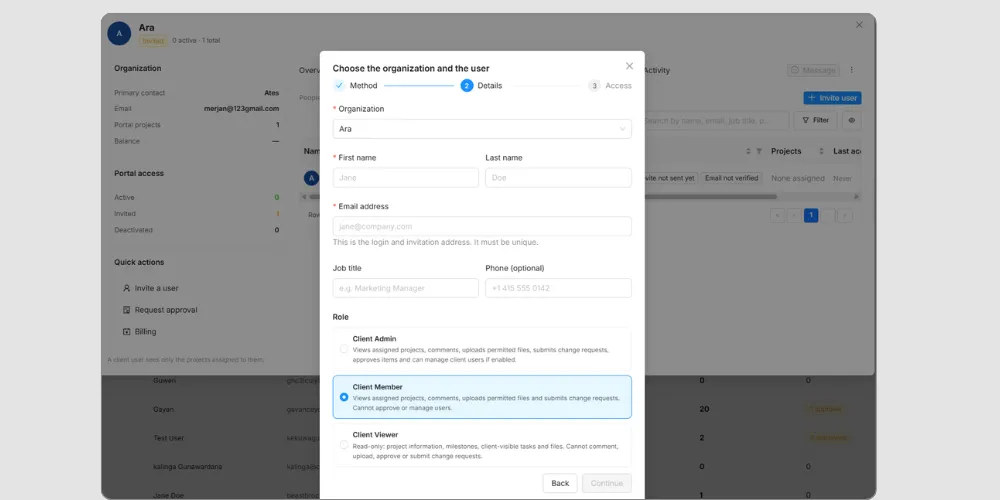
Fixed hardcoded text and incorrect UI in the Project Invite popup
-
Fixed Project Member Access column text being hard to read in dark mode
-
Fixed newly added status colors displaying incorrectly in dark mode
-
Fixed "Team Leader" not being translated
-
Fixed the status color not updating in the task drawer dropdown
-
Fixed a removed member's tasks staying assigned until a refresh
-
Fixed the Project Drawer client dropdown not listing all clients
-
Fixed task status falling out of sync between Finance and the Task List
-
Fixed an "Access Denied" error for Admins and Owners in task reports
-
Fixed deleted tasks not disappearing in real time
-
Fixed being unable to delete a category that has assigned projects
-
Fixed Workload and Roadmap data not updating in real time
-
Fixed the project Deadline section not loading data
-
Fixed task IDs importing as dates from CSV
-
Fixed the comment reaction tooltip being cut off
-
Fixed layout issues in the comment edit popup
-
Fixed the Delete Account option showing for Free plan users
-
Fixed inconsistent time logging formats across the app
-
Fixed the Create Project popup keeping "Continue to CSV import" after switching sections
-
Fixed the "Read About Mapping Statuses" link opening the Worklenz blog
-
Fixed guest view giving access to the homepage and project sidebar features
-
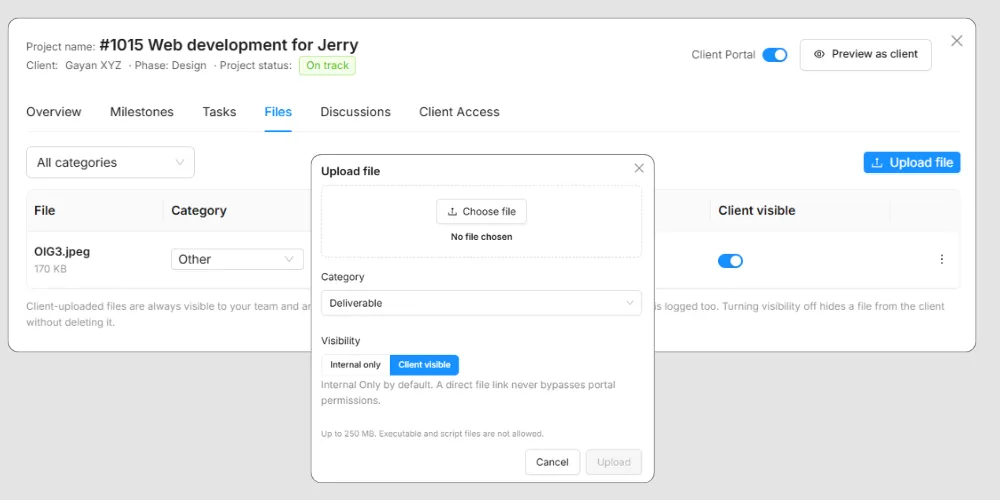
Fixed team members disappearing and guests appearing twice in the file upload dropdown
-
Fixed being unable to sign in with email and password after using Google Sign-In
-
Fixed layout problems on small screens
-
Fixed Auto-Assign Parent Phase to Subtasks not applying to existing subtasks or to phases assigned after the subtask was created
-
Fixed task drawer comments not updating in real time
-
Fixed Members being able to create projects through project templates
-
Fixed Members being able to open the Add Client function
-
Fixed an error when saving the country in Admin Center
-
Fixed statuses appearing in the wrong order in the task drawer
-
Fixed the Roadmap timeline not updating after task dates are removed
-
Fixed task drawer options that Members should not see
-
Fixed duplicate scrollbars in the Team Switch and Project Manager assignee dropdowns
-
Fixed the team hover state in the Team Switch dropdown
-
Fixed an unnecessary progress bar below subtasks in the task drawer
-
Fixed an invited member being unable to accept an invitation after logging out of a previous account
-
Fixed invited guests appearing on the Team Members page
-
Fixed an error when saving and previewing project templates
-
Fixed duplicate success messages when saving project templates
-
Fixed Project Managers being unable to create custom columns
-
Fixed custom column names being cut off
-
Fixed the Category dropdown popup being too large
-
Fixed project start and end dates not saving in Reports
-
Fixed missing spacing in the Task by Status pie chart tooltip in Reports
-
Fixed category tags showing the wrong colors in Project Details
-
Fixed the missing Status button border in light mode
-
Fixed a team member not being deleted despite a success message
-
Fixed dropdown scrollbars showing the wrong color or being invisible in light and dark modes
-
Fixed the Project dropdown missing from Quick Time Entry
-
Fixed the sidebar reorder icon being hard to see
-
Fixed the Status column not updating in Project Insights
-
Fixed the survey appearing after joining through an invitation
-
Fixed some label text being unreadable in light and dark modes
-
Fixed Revenue and Profit Trend chart values being hard to read in dark mode
-
Fixed backlog tasks not appearing in Board view until a refresh
-
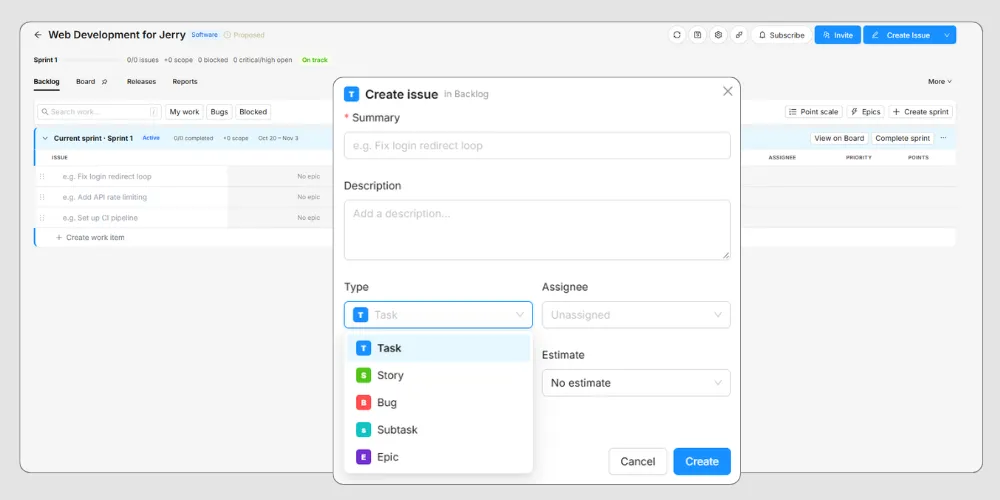
Fixed issue type text appearing outside the grid
-
Fixed the Today button not working in Task List > Roadmap
-
Fixed all epic names showing in purple
-
Fixed blocked work items not appearing after clicking Blocked
-
Fixed text misalignment in the My Progress widget
-
Fixed the drag-and-drop icon not aligning to the right side of the widget
-
Fixed the Billable column header being hard to read at some screen sizes on Home > Log Time
-
Fixed the missing sort cancel option in the Recently Logged table
-
Fixed an "Unknown Error" when deleting clients