
How to Track Project Budget vs Actual Cost
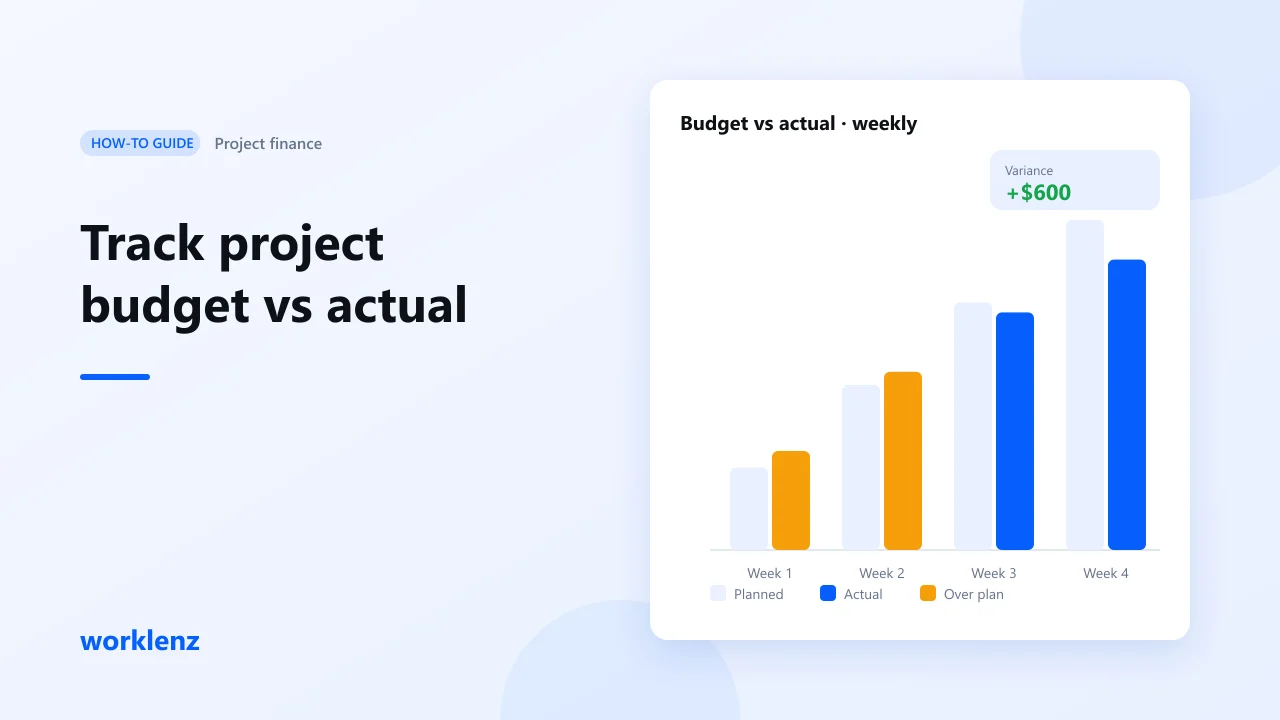
To track a project’s budget against actual cost, you need three things in one place: the hours people log, the rate each hour costs, and any non-time costs. Worklenz multiplies logged hours by your rate card, adds fixed costs and compares the total with your budget while the work is happening. Time tracking is on Pro; the Finance tab and rate cards are on Business.
The four ideas you need
You don’t need an accounting degree. You need four words.
| Idea | Plain meaning | Example |
|---|---|---|
| Cost | What the work takes. Mostly people’s time. | 10 hours × $40 = $400 |
| Revenue | Money coming in. For client work, usually billable hours or a fixed fee. | 10 billable hours × $90 = $900 |
| Budget | What you planned to spend. Only useful if you compare it while the project runs. | $5,000 |
| Profit (or loss) | Revenue minus cost. | $900 − $400 = $500 |
Everything else builds on these.
Why the numbers usually arrive too late
The ideas are simple. The problem is delivery. Time is in one app, tasks in another, and the budget in a spreadsheet someone updates once a month. By the time anyone looks, it’s too late to change the outcome. When work and money live apart, people make decisions without knowing what they cost.
What you’ll set up
| Step | Worklenz feature |
|---|---|
| 1. Capture time | Task timer, manual time logs |
| 2. Separate billable work | Billable flag |
| 3. Price each hour | Rate cards (organization and per project) |
| 4. Add non-time costs | Fixed costs on tasks |
| 5. Set the budget | Project budget in the Finance tab |
| 6. Read budget vs actual | Finance tab |
| 7. See all projects | Finance Overview, export |
Step 1: Log time where the work happens
Start the timer on a task or add hours manually afterwards. Time adds up at the project level automatically, so there’s one set of numbers for everyone. No copying from a separate timer.
Step 2: Mark time billable or non-billable
Billable hours count toward revenue. Non-billable hours (internal meetings, rework, admin) still cost money but bring none in. Keeping them apart shows which work actually earns.
Step 3: Create a rate card
Create a rate card with an hourly rate for each job role (for example, Designer $40, Developer $55, Project Manager $50) and assign roles to your team. You can override rates for a member on a specific project.
When someone logs time, Worklenz multiplies the hours by the rate. Until a rate card exists, time-based cost shows as zero, so do this before you trust any number.
Step 4: Add fixed costs
Not every cost is time. Add a fixed cost to a task for purchases such as ad spend, licences or a printer’s quote. It’s added to the project total.
Step 5: Set the project budget
In the project’s Finance tab, enter the budget. If you work in more than one currency, Worklenz supports multi-currency projects.
Step 6: Read budget vs actual
The Finance tab shows:
- total budget and actual cost
- remaining budget and how much is used, as a percentage
- variance: budget minus actual. Positive means you’re under budget.
- cost broken down by task, so you can see where the money went
Check it weekly, not at the end.
Step 7: Look across all projects
Finance Overview rolls up every project into one view. Export it to a spreadsheet when you need to share it with a director or accountant.
Worked example
A marketing project has a budget of $5,000. After week one, the Finance tab shows $1,500 spent: 30% used, $3,500 remaining, variance +$3,500.
Now compare with progress. If only 10% of tasks are done, you’re spending three times faster than you’re delivering. You can see that in week one, without finance training, and you still have options: trim scope, move a deadline, or talk to the client before it becomes a loss.
Common mistakes
- No rate card. Cost looks like zero. Profit looks great. It isn’t.
- Checking only at the end. Budget vs actual is a steering tool, not a post-mortem.
- Forgetting fixed costs. Ad spend and licences can be half the cost of a campaign.
- Counting non-billable time as revenue. It’s cost only.
Checklist
- Rate card set and roles assigned
- Team logs time on tasks, marked billable or non-billable
- Fixed costs added as they happen
- Budget entered in the Finance tab
- Budget vs actual reviewed every week
FAQ
What does a positive variance mean?
Is Worklenz accounting software?
Which plan has project finance?
See budget vs actual on your next project.
Start a 14-day Business trialRelated: Project finance · Time tracking · How to manage a client campaign and its profit