
10 Best Team Management Software for 2027
“Team management software” covers everything from a Kanban board to a shift scheduler. Before comparing features, figure out which kind of team you manage, because a tool that’s brilliant for one is useless for another.
- Project teams need tasks, timelines and workload.
- Client-service teams need all that plus time tracking and a way to keep clients informed.
- Async and docs-led teams need written status and calm communication.
- Deskless and shift teams need schedules, time clocks and announcements on a phone.
- Microsoft 365 teams are usually best served by what they already pay for.
Prices below were checked on vendor sites on 19 November 2026. We make Worklenz, and it’s in the client-service section.
Quick picks
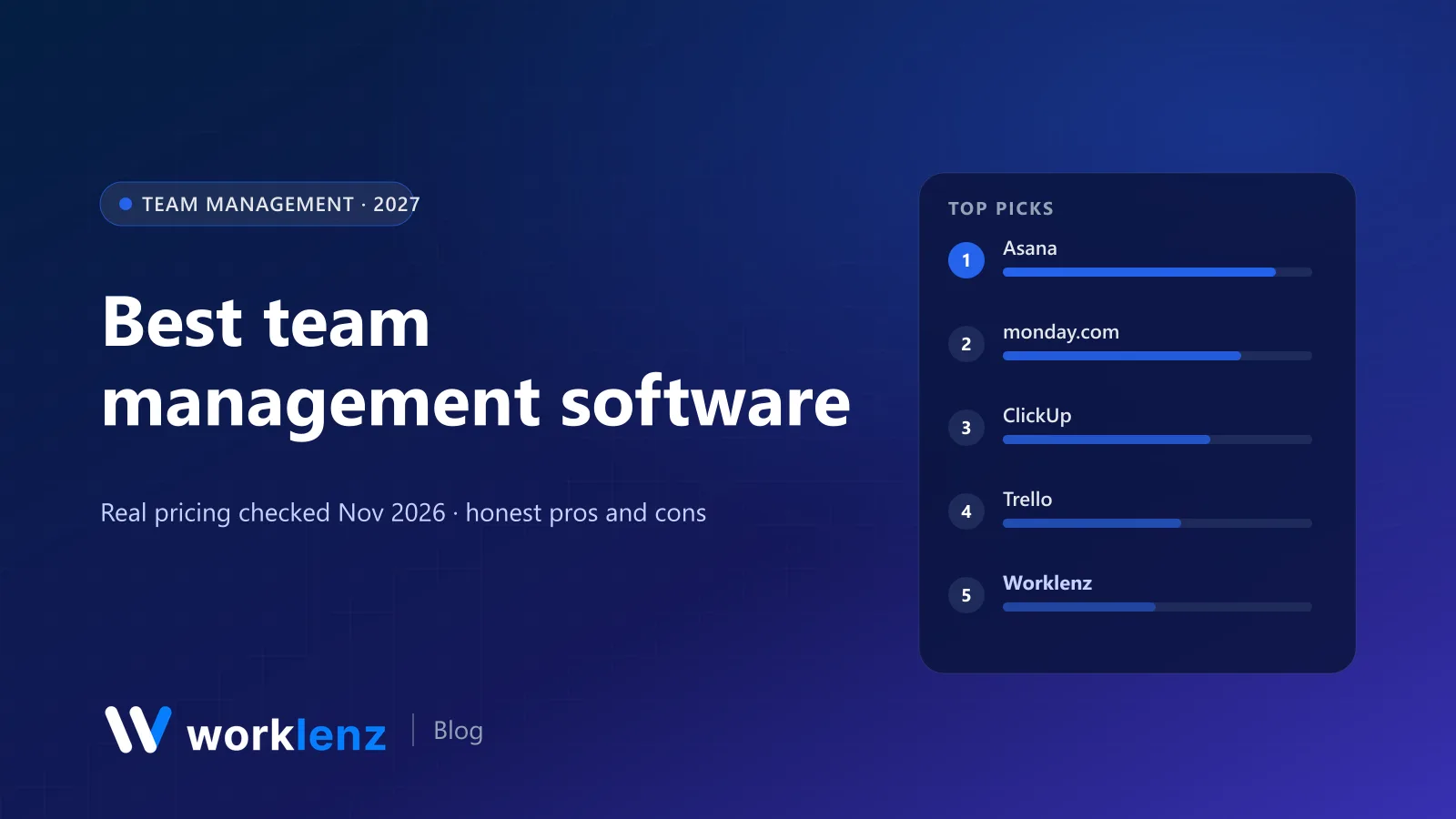
- Best for project teams: Asana
- Best for visual, non-technical teams: monday.com
- Best for client-service teams: Worklenz
- Best for async teams: Basecamp
- Best for deskless teams: Connecteam
- Best for Microsoft 365 organisations: Microsoft Planner
Comparison table
| Tool | Team type | Free plan | Paid from (annual) | Workload view on |
|---|---|---|---|---|
 Asana |
Project | 2 users | $10.99 | Advanced ($24.99) |
 monday.com |
Project | 2 seats | $9 (3-seat min) | Enterprise |
 ClickUp |
Project | Unlimited members | $9 | Business ($17) |
 Trello |
Project (simple) | 10 collaborators | $5 | Not available |
 Worklenz |
Client-service | 5 members, 3 projects | $6 | Pro ($6) |
 Teamwork.com |
Client-service | 5 users | $9.99 | Accelerate ($24.99) |
 Basecamp |
Async | 1 project | $29/mo flat | Not available |
 Notion |
Docs-led | Yes | $10 | Not available |
 Connecteam |
Deskless | Up to 10 users | $29/mo per hub | Scheduling |
 Microsoft Planner |
Microsoft 365 | With some M365 plans | ~$10 (Plan 1) | Plan 3 resource features |
The manager’s five-question test
Whatever tool you pick, a manager should be able to answer these in under a minute:
- What is each person working on this week?
- Who’s overloaded and who has room?
- What’s late, and why?
- What did we spend our time on last month?
- Who’s off next week?
We used these questions to judge each tool below.
Project teams
1. Asana
Asana makes ownership clear: every task has one assignee and one due date, and My Tasks gives each person a single list across projects. Goals and portfolios help managers see the bigger picture. Starter ($10.99) covers most teams; Advanced ($24.99) adds workload and native time tracking.
Five-question score: answers 1, 3 and (on Advanced) 2 and 4 well. Time off isn’t a core feature.
Pick it if: you manage a cross-functional team. Skip it if: you need workload on a budget.
2. monday.com
monday.com is the easiest way to get a non-technical team organised. Dashboards give managers a quick view; automations handle reminders. Basic is $9 a seat (3-seat minimum); Standard ($12) adds timeline views and guests; Pro ($19) adds time tracking.
Five-question score: answers 1 and 3 well; 4 on Pro; 2 only with Enterprise resource management.
Pick it if: adoption is your problem. Skip it if: you need workload management below Enterprise.
3. ClickUp
ClickUp gives managers dashboards, goals, workload (on Business) and dozens of views. It’s very capable once configured. Core is $9; Business $17.
Five-question score: answers most of them on Business, if someone sets up the workspace well.
Pick it if: you want one configurable tool for everything. Skip it if: you want something simple.
4. Trello
For small teams with a simple flow of work, Trello’s boards are still the clearest picture of who’s doing what. Free covers 10 collaborators per workspace; Standard is $5.
Five-question score: answers 1 and 3 at a glance; the rest need Power-Ups or another tool.
Pick it if: your team’s work fits on a board. Skip it if: you need to manage capacity.
Client-service teams
5. Worklenz
Managing a client-service team means juggling two things at once: your people’s capacity and your clients’ expectations. Worklenz puts both in one tool. Managers see each person’s workload across every client project, time logged against tasks, and project health; clients see progress and send requests through a separate portal, so the team isn’t buried in email. Team members get a personal task view, calendar and daily digest.
Pro ($6 a user annually) includes time tracking, timesheets, workload, the client portal and invoices. Free covers 5 members and 3 projects with task lists, boards and time-off marking. Business ($10) adds project finance and advanced reporting.
Five-question score: answers all five on Pro, including time off.
Pick it if: your team’s work is billed to clients. Skip it if: your team never deals with clients or hours.
See Worklenz for project managers.
6. Teamwork.com
Teamwork.com is a strong client-work team tool with client users from Basics ($9.99, 3-user minimum) and workload on Accelerate ($24.99, 5-user minimum).
Five-question score: answers most of them on Accelerate, with workload and time budgets.
Pick it if: you want a mature tool with client access. Skip it if: you need workload on a cheaper plan.
Async and docs-led teams
7. Basecamp
Basecamp is designed to reduce meetings. Automatic check-ins (“What did you work on today?”), message boards for decisions, to-dos and docs keep a team aligned without being online together. Pricing is flat: $29 (Freelancer), $79 (Pro), $99 (Pro Plus), $199 annually (Pro Unlimited).
Five-question score: answers 1 and 3 through check-ins and to-dos; no workload or time reporting.
Pick it if: you want fewer meetings and calmer communication. Skip it if: you need workload, Gantt or time tracking.
8. Notion
Notion works well for teams whose work is writing: wikis, specs, meeting notes and light task databases. Plus is $10 a seat.
Five-question score: answers 1 if you build the database for it; little else out of the box.
Pick it if: your team needs a shared brain more than a task manager. Skip it if: you manage deadlines and capacity.
Deskless and Microsoft teams
9. Connecteam
Connecteam is built for teams that don’t sit at desks: scheduling, GPS time clock, checklists, chat and announcements on mobile. It’s free for up to 10 users; paid hubs start at $29 a month for the first 30 users.
Five-question score: answers 1, 4 and 5 for shift work; projects aren’t its job.
Pick it if: you manage shifts and frontline staff. Skip it if: your team works on projects.
10. Microsoft Planner
If you’re on Microsoft 365, Planner is the obvious first step, and it now includes what used to be Microsoft Project. Planner Plan 1 (about $10 a user) adds timeline view, dependencies and sprints; Plan 3 (about $30) adds resource requests and advanced scheduling.
Five-question score: answers 1 and 3 on basic Planner; 2 with Plan 3.
Pick it if: your company lives in Teams and Outlook. Skip it if: you’re on Google Workspace.
Also worth a look
- Nifty: tasks, chat and docs together, with flat pricing from 7 people.
- Homebase and Deputy: scheduling and time clocks for hourly teams.
- Plane: a fast, open source tracker for engineering teams.
What good team management looks like day to day
- Monday: the manager checks workload for the week and moves anything that’s overbooked.
- Daily: everyone works from their own task list or digest. Questions go in task comments.
- Thursday: blockers are raised in the tool, not saved for a meeting.
- Friday: time is logged (if you track it), and a 15-minute review looks at what slipped and why.
If the tool makes any of those steps harder, it’s the wrong tool.
What it costs for 5, 10 and 25 people
Monthly cost on annual billing, on the plan most teams of that size end up needing:
| Tool and plan | 5 people | 10 people | 25 people |
|---|---|---|---|
| Trello Standard | $25 | $50 | $125 |
| Worklenz Pro | $30 | $60 | $150 |
| ClickUp Core | $45 | $90 | $225 |
| Notion Plus | $50 | $100 | $250 |
| Asana Starter | ~$55 | ~$110 | ~$275 |
| monday.com Standard | $60 | $120 | $300 |
| Teamwork.com Basics | ~$50 | ~$100 | ~$250 |
| Basecamp (flat) | $29 (3 projects) | $79 (8 projects) | $199 (unlimited) |
| Connecteam | Free (up to 10) | Free | $29 per hub (first 30 users) |
| Microsoft Planner Plan 1 | ~$50 | ~$100 | ~$250 |
Add the cost of whatever you’ll need within a year: workload (Asana Advanced, ClickUp Business), time tracking (monday.com Pro) or client access.
Signs you’ve outgrown your team tool
- Status lives in chat, not the tool. People ask “where are we on X?” because the board isn’t current.
- You can’t see workload. The same two people are always overloaded and you find out from their faces, not a chart.
- Projects live in different places. Some in the tool, some in spreadsheets, some in someone’s head.
- Stakeholder updates take an afternoon. You’re copying screenshots into slides every week.
- New hires take weeks to find things. There’s no consistent structure across projects.
Any two of these and it’s time to look again.
Rolling a new tool out to a team
- Pick one project and one champion. The champion owns the setup and answers questions.
- Agree three rules: every task has an owner, every task has a due date, and updates go in the tool, not chat.
- Move one team meeting into the tool. Review the board on screen instead of going round the room.
- After two weeks, add the next project. Fix what annoyed people before you scale.
- After a month, switch off the old way. Running two systems is how new tools die.
Questions to settle during the trial
Use the free plan or trial to answer these with your own team, not a demo workspace:
- Can a new team member find their work on day one without a walkthrough?
- How does the manager see the week? Open the tool on Monday morning and try to answer the five questions above in under a minute.
- What happens when someone is off? Is there a way to mark leave, and does it show up anywhere useful?
- Where do conversations happen? If comments on tasks feel awkward, people will drift back to chat.
- What will the bill be in a year? Price the plan you’ll need at your expected headcount, including any minimum seats.
- Can you get your data out? Export a project to CSV before you commit.
If the trial ends and the team is still asking “where do I put this?”, the tool hasn’t earned a place yet.
FAQ
What is team management software?
What is the best team management software?
Is there free team management software?
What features matter most in team management software?
Can team management software replace status meetings?
Manage your team and your clients in one place.
Workload, time and progress for every person and every client project. Free plan to start.
Start freeRelated: Best workload management tools · Best PM software for remote teams · How to manage team workload