
Best Project Management Software With Invoicing 2027
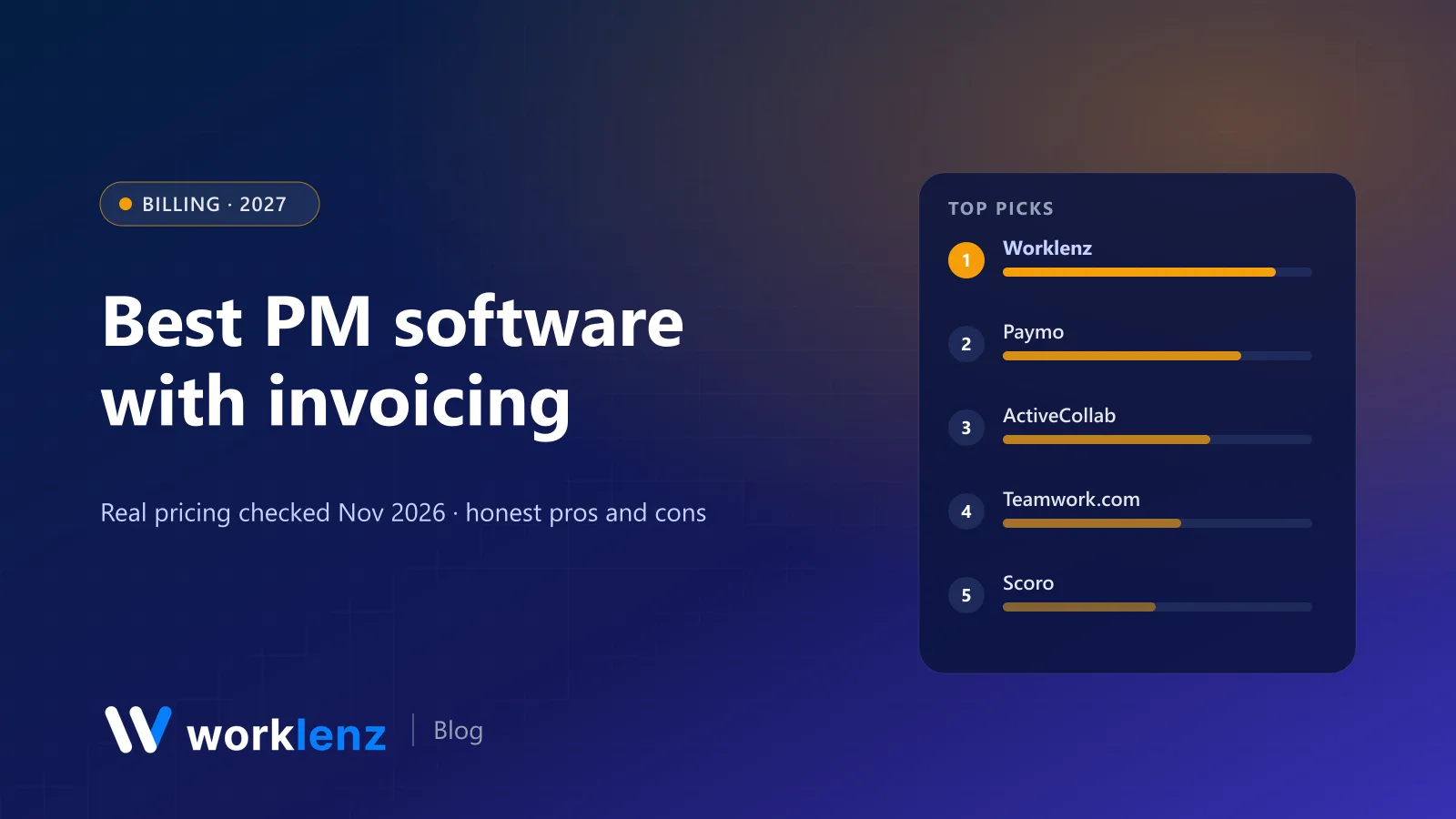
If you bill clients, the most expensive gap in your software stack is the one between “hours logged” and “invoice sent”. Every week that gap is open, some billable time leaks out: forgotten, rounded down or written off because nobody can prove it.
Project management tools with built-in invoicing close that gap. Here are ten, with the plan where invoicing actually starts, checked on vendor sites on 19 November 2026. We make Worklenz, which has invoicing built in.
Quick picks
- Best value for agencies and service teams: Worklenz
- Best for small studios on a budget: Paymo
- Best long-standing agency tool with billing: ActiveCollab
- Best for quote-to-cash: Scoro
- Best agency-specific system: Function Point
- Best for invoices plus a full ERP: Odoo
- Best for freelancers: Moxie
Where invoicing starts
| Tool | Invoicing on | Price (annual unless noted) | Time-to-invoice | Client portal |
|---|---|---|---|---|
 Worklenz |
Pro | $6/user | Yes | Pro |
 Paymo |
Free and up | Plus $15.9/user (monthly) | Yes | Guest access from Solo |
 ActiveCollab |
Pro+ | $15/user | Yes | Client roles |
 Teamwork.com |
Accelerate (basic invoices) | $24.99/user (min 5) | Yes | Client users from Basics |
 Scoro |
Invoice app | From $17/user (min 5) | Yes | Paid add-on |
 Function Point |
All plans | ~$53/user | Yes | Not listed |
 Odoo |
Invoicing app | ~$8.95/user (Standard) | With Timesheets | Customer portal |
 Moxie |
Starter | $10/mo | Yes | Pro ($20) |
 Bonsai |
Essentials | $19/user | Yes | Essentials |
 Zoho Projects |
Via Zoho Invoice | ~$4/user + Zoho Invoice | Via integration | Read-only users (Enterprise) |
No native invoicing: Asana, monday.com work management, ClickUp, Trello, Notion, Basecamp and Wrike. They rely on integrations with tools like Harvest, QuickBooks or Xero.
What a 10-person team pays for invoicing
Monthly, annual billing, at the first plan that includes invoicing:
| Tool and plan | 10 people |
|---|---|
| Worklenz Pro | $60 |
| Odoo Standard (all apps) | ~$90 |
| ActiveCollab Pro+ | $150 |
| Bonsai Essentials | $190 |
| Teamwork.com Accelerate | ~$250 |
| Scoro Time-billing | $170 |
| Paymo Plus (regular monthly price) | $159 |
| Function Point Standardize | ~$530–580 |
Billing models, and which tools handle them
| Billing model | What you need | Strong fits |
|---|---|---|
| Hourly (time and materials) | Billable rates, approved time, invoice from hours | Worklenz, Paymo, ActiveCollab, Harvest-style tools |
| Fixed fee by milestone | Phases, budget burn, invoice per milestone | Worklenz Business, Scoro, Function Point |
| Monthly retainer | Recurring budget, burn tracking, recurring invoice | Teamwork.com Accelerate, Productive, Accelo |
| Quote then invoice | Quotes that become projects and invoices | Scoro, Odoo |
The 10 best PM tools with invoicing
1. Worklenz
Worklenz is built for teams that deliver projects for clients and bill for them. Time is logged on tasks, timesheets roll up by project and person, and client invoices are created in the same workspace. Clients follow their projects through the client portal and send requests the same way, so new work is visible before it’s billed.
Pro is $8 a user monthly or $6 annually and includes client invoices, time tracking, timesheets, workload, the client portal and 3 guests per project. Business ($12 monthly, $10 annually) adds project finance, billable work reports, the branded portal and advanced reporting. No minimum seats, 14-day trial without a card.
Strengths: time to invoice in one tool; cheapest per-user plan with invoicing for teams; client portal included. Limitations: not an accounting system; use it alongside Xero, QuickBooks or your accountant’s software.
Pick it if: you want projects, hours and invoices without three subscriptions. Skip it if: you need recurring subscription billing or multi-currency accounting.
2. Paymo
Paymo combines tasks, time tracking and invoicing at a low price. Even the free plan (1 user, 2 projects) includes unlimited time tracking and invoices. Plus is $15.9 and Pro $23.9 a user a month at regular monthly pricing (annual is up to 40% cheaper); Gantt and employee scheduling are on Pro, project profitability on Plus.
Pick it if: you’re a small studio that wants invoicing on a budget. Skip it if: you need heavy resource planning.
3. ActiveCollab
ActiveCollab has long been an agency staple. Pro+ ($15 a user annually) adds integrated invoicing, online payments and estimates on top of project management and time tracking; clients get free client roles on every plan.
Pick it if: you want a mature tool with billing. Skip it if: you need invoicing on the cheapest plan.
4. Teamwork.com
Teamwork.com’s Accelerate plan ($24.99 a user annually, 5-user minimum) includes time budgets, retainers and basic invoices. Fuller billing is on Optimize (sales-led).
Pick it if: you want a polished client-work tool with retainers. Skip it if: you’re a small team; the minimum and price add up.
5. Scoro
Scoro’s Invoice app is part of its Time-billing ($17), Quote to Cash ($29) and End-to-end ($57) combinations, all with a 5-user minimum. Quotes become projects become invoices.
Pick it if: quote-to-cash is your core process. Skip it if: you don’t quote every job.
6. Function Point
Function Point includes batch invoicing on every plan, with campaign budgets and profitability by client. $53–68 a user a month, plus onboarding.
Pick it if: you’re an established agency wanting an agency-specific system. Skip it if: you’re price-sensitive.
7. Odoo
Odoo’s Project, Timesheets and Invoicing apps let you bill from logged time, with full accounting in the same system. Standard is about $8.95 a user annually for all apps on Odoo Online; the Community edition is open source.
Pick it if: you want invoices and the general ledger together. Skip it if: you don’t want to configure an ERP.
8. Moxie
Moxie gives freelancers invoicing, proposals, contracts, project management and time tracking from $10 a month annually, with a white-labelled client portal on Pro ($20).
Pick it if: you’re solo or a tiny team. Skip it if: you’re more than five people.
9. Bonsai
Bonsai’s Essentials plan ($19 a user annually) adds invoices, payments, proposals, contracts and the client portal on top of CRM, tasks and time tracking.
Pick it if: you want freelancer admin and invoicing together. Skip it if: you need team resource planning.
10. Zoho Projects
Zoho Projects doesn’t invoice natively, but it connects to Zoho Invoice and Zoho Books, and Premium (about $4 a user) includes timesheets and budgets.
Pick it if: you’re already in the Zoho ecosystem. Skip it if: you want invoicing in the PM tool itself.
How to stop billable time leaking
- Log time on tasks daily. End-of-month reconstruction loses hours you’ll never get back.
- Mark billable vs non-billable at entry, not at invoicing.
- Invoice from the system that holds the hours. Every export and re-key is a chance to lose time.
- Review unbilled time weekly. A simple “logged but not invoiced” check catches most leaks.
- Show clients the detail. Invoices backed by task-level time get disputed less.
A monthly billing routine
- Day 1: lock last month’s timesheets.
- Day 2: review unbilled time by client; fix anything mis-coded.
- Day 3: generate invoices from approved time or milestones; attach the time report.
- Day 4: send, and record in your accounting system.
- Day 30: follow up on anything unpaid before the next cycle.
For the habits side, see how to track billable hours for agencies.
What every client invoice should show
- Clear reference: invoice number, date, client and project.
- Period covered: the dates the work was done.
- Line items by phase, task group or role, not just “consulting services”.
- Hours and rates for time-based work, or the milestone for fixed fees.
- Payment terms and how to pay.
- A link or attachment with the supporting time report.
Invoices that show their working get paid faster and disputed less.
FAQ
What project management software has built-in invoicing?
What is the cheapest project management software with invoicing?
Should I invoice from my project tool or my accounting software?
Does Worklenz have invoicing?
Can project management software handle fixed-fee and retainer billing?
From logged hours to sent invoices, in one tool.
Worklenz Pro includes time tracking, timesheets, a client portal and invoices for $6 a user on annual billing.
Start a free trialRelated: How to track billable hours for agencies · How to track project budget vs actual · Best PSA software