
10 Best Open Source PM Software for Startups (2027)
Startups pick project management tools the way they pick everything else: fast, cheap, and with the assumption they’ll switch later. The switching is the expensive part. Open source tools reduce that risk. You can start on a free cloud plan, move to self-hosting if you need to, and you’re never stuck paying per seat for 60 people because migration is too painful.
We checked licences, maintenance status and cloud free tiers on 19 November 2026. We make Worklenz, which is on the list for services startups.
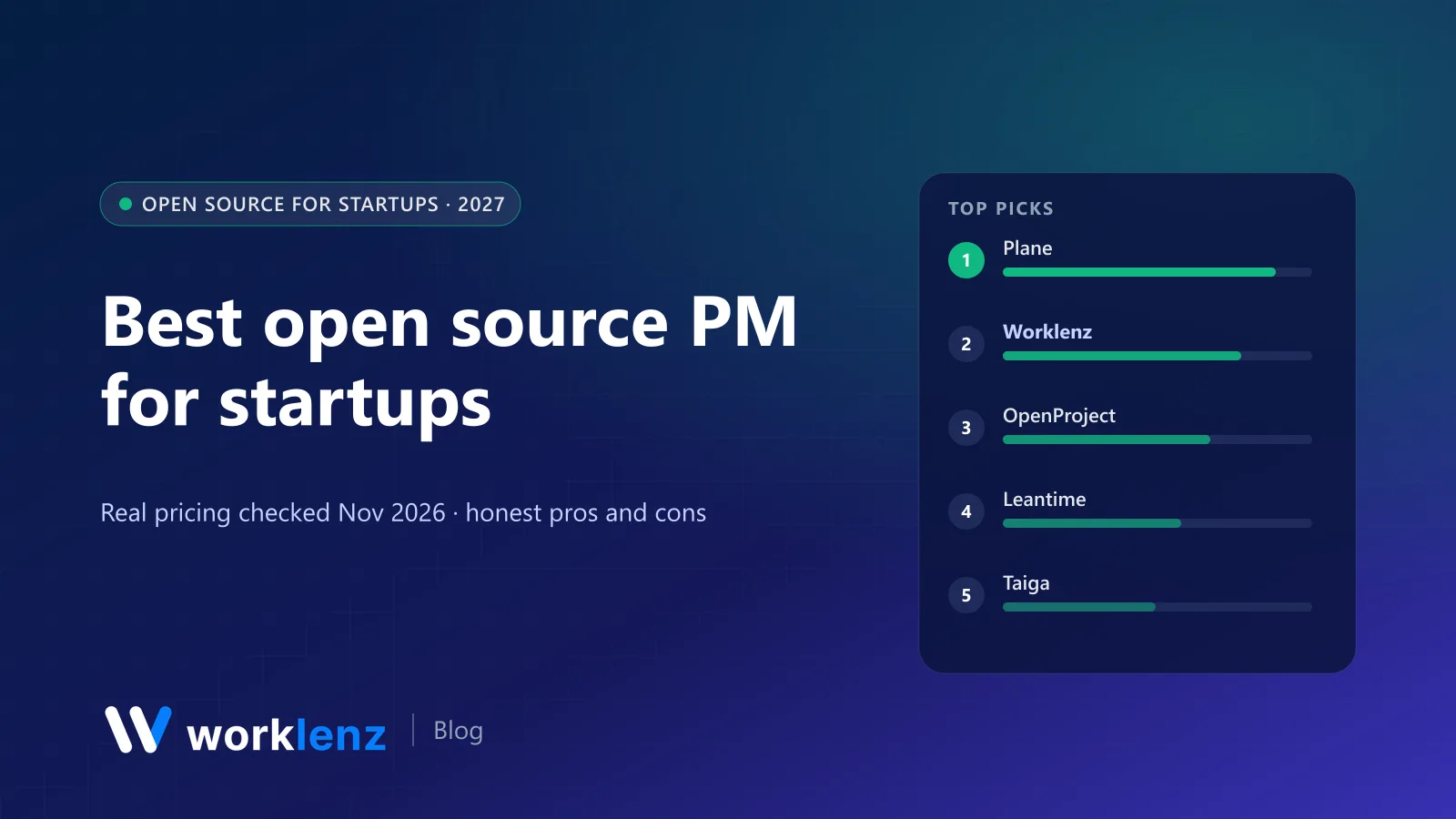
Quick picks
- Best for product and engineering startups: Plane
- Best for services startups (agencies, studios, consultancies): Worklenz
- Best for plan-driven startups (hardware, biotech, research): OpenProject
- Best for non-technical founders: Leantime
- Best docs-plus-tasks workspace: AppFlowy
- Lightest self-hosted option: Vikunja
Comparison table
| Tool | Licence | Cloud free tier | Self-hosted | Best for |
|---|---|---|---|---|
 Plane |
AGPL-3.0 | 12 users | Yes | Product and engineering |
 Worklenz |
AGPL-3.0 | 5 members, 3 projects | Yes, unlimited users | Client and services work |
 OpenProject |
GPL-3.0 | 14-day cloud trial | Yes | Phased projects |
 Leantime |
AGPL-3.0 | None (Pro $8 annual) | Yes | Non-PM founders |
 Taiga |
MPL-2.0 | Hosted plans | Yes | Scrum teams |
 AppFlowy |
AGPL-3.0 | Hosted option | Yes | Docs and databases |
 AFFiNE |
MIT (community) | Hosted option | Yes | Docs and whiteboards |
 Vikunja |
AGPL-3.0 | Hosted option | Yes | Simple task lists |
 WeKan |
MIT | No | Yes | Trello-style boards |
 Redmine |
GPL-2.0 | No | Yes | Issue tracking |
What it costs as you grow
Monthly, annual billing. Self-hosted figures are typical server costs only.
| Tool | 5 people | 20 people | 50 people |
|---|---|---|---|
| Plane cloud (Free, then Pro $6) | Free | $120 | $300 |
| Worklenz cloud (Free, then Pro $6) | Free (3 projects) | $120 | $300 |
| Leantime Pro | $40 | $160 | $400 |
| Any of the above, self-hosted | ~$10–20 server | ~$20–40 server | ~$40–80 server |
The 10 best open source tools for startups
1. Plane
Plane is the open source tool most product startups should try first. It feels like Linear (issues, cycles, modules, views, pages) and has ~63k GitHub stars behind it. Cloud Free covers up to 12 users, Pro is $6 a user annually, and the AGPL-3.0 community edition can be self-hosted.
Pick it if: you’re building software and want speed without lock-in. Skip it if: you sell services and need time tracking and client billing.
2. Worklenz
If your startup sells services (an agency, a dev shop, a design studio, a consultancy), Worklenz is built for the way you make money. Client projects with phases and templates, time tracking on tasks, workload across clients, a client portal and invoices. The self-hosted Community edition (AGPL-3.0) is free for unlimited users; Worklenz Cloud starts free for 5 members and 3 projects, and Pro is $6 a user annually.
Pick it if: your revenue is client projects. Skip it if: you’re a product startup with no clients to bill.
Start free or self-host Worklenz.
3. OpenProject
OpenProject (GPL-3.0) suits startups whose work runs in phases with real dependencies: hardware, medtech, biotech, research spin-outs. Gantt charts, milestones, budgets and time tracking are in the free Community edition. Cloud plans start at €5.95 with a 25-user minimum, so self-hosting is the startup route.
Pick it if: you need proper project plans for investors or grant bodies. Skip it if: your plans change weekly.
4. Leantime
Leantime (AGPL-3.0) is designed for people who don’t manage projects for a living, with goals, ideas, simple tasks and timesheets. Its hosted product no longer has a free tier (Pro is $8 a user annually), so self-hosting is the free path.
Pick it if: founders and early hires want structure without ceremony. Skip it if: you need engineering features.
5. Taiga
Taiga gives you Scrum and Kanban with epics, stories and burndowns, and the backend is MPL-2.0. Good for teams that want agile done by the book.
Pick it if: you run real sprints. Skip it if: you want the most active open source community.
6. AppFlowy
AppFlowy (AGPL-3.0, ~79k stars) is an open source, AI-focused alternative to Notion. Docs, databases and boards make it a good company wiki with light task tracking.
Pick it if: your startup runs on docs. Skip it if: you need timelines or workload.
7. AFFiNE
AFFiNE (community edition MIT, ~75k stars) mixes docs, whiteboards and databases. Great for early product thinking and planning sessions.
Pick it if: you think on whiteboards. Skip it if: you need a real task tracker.
8. Vikunja
Vikunja (AGPL-3.0) is the lightest option here: lists, Kanban, Gantt and table views, easy to self-host on a tiny server.
Pick it if: you want minimal, private task tracking. Skip it if: you need reports or integrations.
9. WeKan
WeKan (MIT, ~21k stars) is an open source Trello-style Kanban board. Simple and self-hostable.
Pick it if: a Kanban board is all you need. Skip it if: you want more than boards.
10. Redmine
Redmine (GPL-2.0) is the veteran: issues, wikis, time tracking and Gantt with a deep plugin ecosystem. It works, but it looks its age.
Pick it if: your team already knows it. Skip it if: you’re recruiting people who expect modern tools.
A sensible path for startups
- Day one: start on a cloud free plan of an open source tool (Plane, Worklenz) so you’re productive immediately.
- When customers ask security questions: move to a paid cloud plan or self-host, depending on what your customers require.
- When per-seat costs start to sting: self-host the community edition on a small VM.
- Always: export your data monthly. Open source means you can leave; make sure you know how.
What to avoid
As of November 2026, these frequently recommended tools aren’t safe bets for a new startup: Huly (repository frozen, hosted service shut down), Focalboard (no longer maintained) and Kanboard (maintenance mode).
The founder’s one-page setup
- One roadmap with the next three priorities and an owner for each.
- One board per team, with three or four columns. Resist more.
- A weekly 30-minute review where the roadmap is updated in the tool, live.
- A “decisions” page in your docs tool, so you remember why you chose what you chose.
Cloud or self-hosted? A quick decision guide
| If this is true… | Choose |
|---|---|
| You’re under 10 people and nobody wants to run servers | The cloud plan of an open source tool |
| A customer’s security review asks where your data lives | Paid cloud with the right controls, or self-host |
| You’re past 25 people and per-seat fees are a real line item | Self-host the community edition |
| You handle regulated data (health, finance, government) | Self-host from day one |
| You have one engineer who’d own it | Self-hosting is fine; write the runbook first |
When to switch tools as you grow
Most startups switch project tools at least once. The usual triggers are:
- Around 10 people: the free plan’s user or project cap bites.
- Around 25 people: you need workload, permissions and reporting a simple board can’t give you.
- First enterprise customer: SSO, audit logs and data-location questions arrive.
Picking an open source tool early means the second move can be to self-host the same product, not a migration.
FAQ
What is the best open source project management tool for a startup?
Should a startup self-host its project management tool?
How much does it cost to self-host project management software?
Which open source project management tools should startups avoid?
What do investors expect to see in a startup's project management?
A services startup? Start free and grow into it.
Worklenz Cloud is free for 5 members, or self-host the open source edition for unlimited users.
Start freeRelated: Task management for startups · Best free project management software · Self-hosted project management guide