
10 Best Timesheet Software for 2027
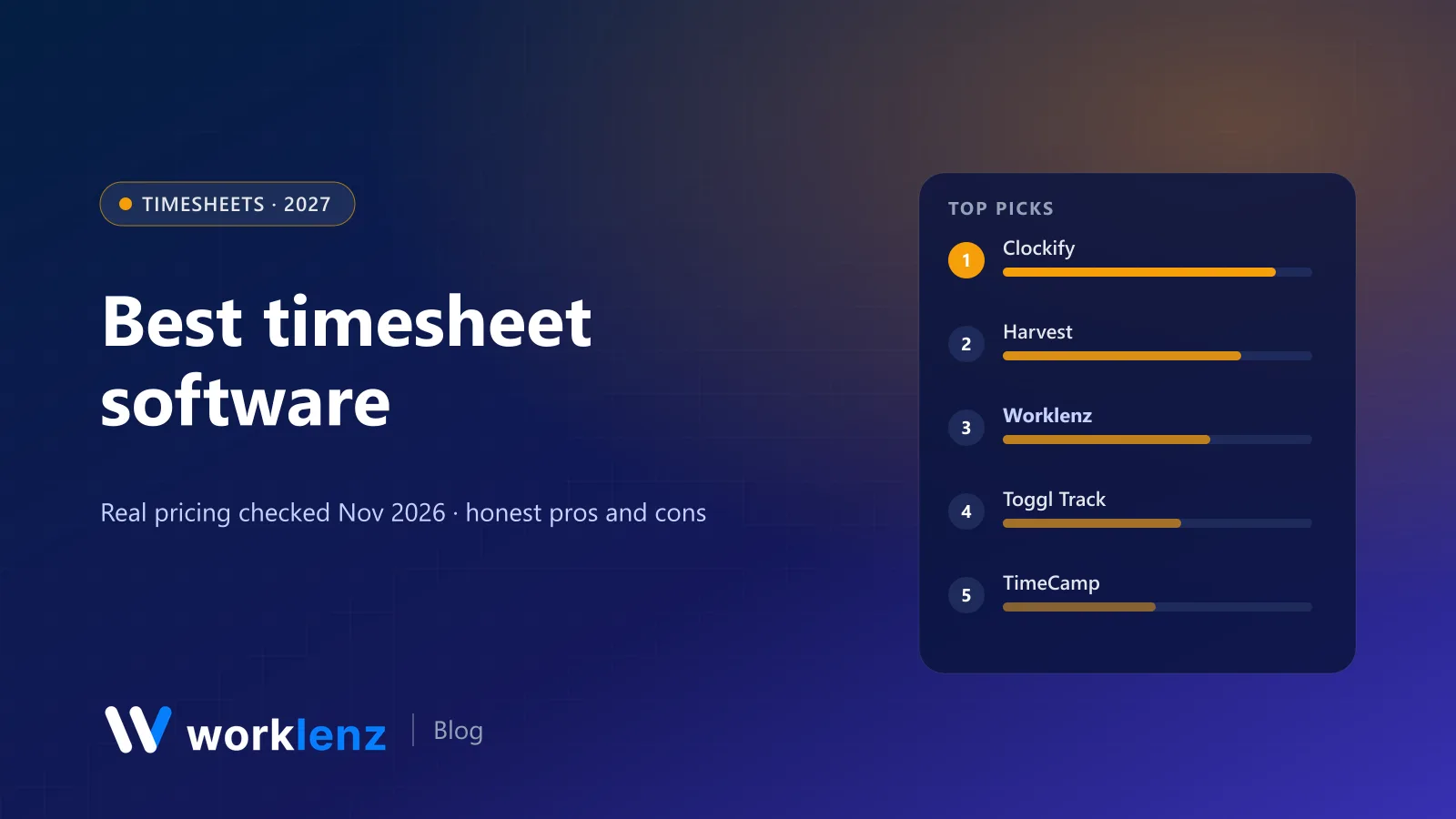
Everyone agrees timesheets are necessary. Nobody agrees on how to get them in on Friday. The difference between timesheet tools that work and ones that don’t is rarely the timer. It’s the submit, remind, approve, lock and export loop that turns hours into invoices or payroll.
So we compared ten tools on that loop. Prices were checked on vendor pages on 19 November 2026, per user per month on annual billing. We make Worklenz, which includes timesheets.
Quick picks
- Best value with approvals: Clockify
- Best when timesheets become invoices: Harvest
- Best inside a project management tool: Worklenz
- Best reporting: Toggl Track
- Best for hourly and shift teams: Connecteam
- Best free for unlimited users: Jibble
- Best timesheets next to a schedule: Resource Guru
Where approvals start
| Tool | Approvals on | Price | Feeds |
|---|---|---|---|
 Clockify |
Standard | $5.49 | Invoices, QuickBooks |
 Harvest |
Enterprise | $14 | Invoices, QuickBooks, Xero |
 Worklenz |
Timesheets on Pro | $6 | Project reports, client invoices |
 Toggl Track |
Premium | $16 | Reports, exports |
 TimeCamp |
Ultimate | $9.99 | Invoices, billing rates |
 Jibble |
Listed as a feature | Free tier available | Payroll, QuickBooks |
 Connecteam |
Basic hub | $29/mo for 30 users | Payroll |
 Resource Guru |
Blackbelt | $8 | Budgets |
 ClickUp |
Enterprise (Business has timesheets) | Quote | Reports |
 Zoho Projects |
Premium (timesheets) | ~$4 | Zoho Invoice, Books |
Timesheets for billing vs timesheets for payroll
These are different jobs, and most tools are better at one:
| If timesheets are for… | You need | Strongest tools |
|---|---|---|
| Billing clients | Billable rates, task-level detail, invoices | Harvest, Worklenz, Clockify, Toggl |
| Payroll | Clock in/out, overtime, breaks, payroll export | Connecteam, Jibble |
| Project profitability | Estimates vs actuals by project and phase | Worklenz, Resource Guru, Zoho Projects |
| Compliance and audits | Approvals, locking, audit trail | Clockify Standard+, Toggl Premium, TimeCamp Ultimate |
The 10 best timesheet tools
1. Clockify
Clockify gives you more timesheet workflow per dollar than anyone. Free covers up to 5 users with timesheets and reports. Standard ($5.49) adds approvals, invoicing and a QuickBooks integration; Pro ($7.99) adds budgets, scheduling and GPS. Each active or invited user takes a seat.
Strengths: approvals under $6; generous free plan; QuickBooks on Standard. Limitations: every invited user is a paid seat; monitoring features on Pro.
Pick it if: you want approvals cheaply. Skip it if: you’d rather your tool didn’t offer monitoring features at all.
2. Harvest
Harvest is built around getting paid. Timesheets turn into invoices directly, with Stripe, QuickBooks and Xero integrations on Teams. Teams is $9 a seat annually; approvals are on Enterprise ($14).
Strengths: fastest timesheet-to-invoice path; accounting integrations. Limitations: approvals cost $14; not a project management tool.
Pick it if: billable time is your revenue. Skip it if: you need approvals but don’t want the Enterprise price.
3. Worklenz
In Worklenz, people log time against tasks (with a live timer or manually), and those entries roll into timesheets, project time reports, member reports and estimated-vs-actual reports. Because the timesheet is attached to real tasks and clients, managers can see what the hours were for, not just how many there were. Timesheets and time tracking are on Pro ($6 annually, $8 monthly), and Business ($10) adds billable work reports and project finance.
Strengths: timesheets tied to tasks and clients; estimates vs actuals; invoices in the same tool. Limitations: not a payroll tool (no overtime rules or payroll export); no time tracking on Free.
Pick it if: your timesheets exist to bill clients and measure project profitability. Skip it if: your timesheets exist for payroll and compliance.
4. Toggl Track
Toggl’s reporting is the best here: clear, shareable and easy to slice by client and project. Premium ($16) adds timesheet approvals, fixed-fee projects and project dashboards. No screenshots, by design.
Strengths: the clearest reports; no surveillance. Limitations: approvals at $16; invoicing isn’t in the plan tables.
Pick it if: you want reports people actually read. Skip it if: $16 a seat for approvals is too much.
5. TimeCamp
TimeCamp’s free plan covers unlimited users and projects with timesheets. Starter ($3.99) adds invoicing, Premium ($6.99) budgets and a resource planner, and Ultimate ($9.99) approvals, billing rates and screenshots.
Strengths: unlimited free users; cheap invoicing. Limitations: approvals bundled with screenshots on Ultimate.
Pick it if: you want lots of free seats and cheap upgrades. Skip it if: you need approvals without monitoring features in the same tier.
6. Jibble
Jibble is free forever for unlimited users, with clock-ins from mobile, web or kiosk, GPS stamps, schedules, approvals and invoicing listed as features. It’s aimed at attendance more than project billing.
Strengths: free for unlimited users; kiosk clock-in. Limitations: attendance-first; light on project profitability.
Pick it if: you need attendance timesheets for a large team at no cost. Skip it if: you need project profitability.
7. Connecteam
Connecteam is made for deskless and shift-based teams. The Small Business plan is free for up to 10 users; paid Operations hubs start at $29 a month for the first 30 users, with GPS clock-in, scheduling, approvals and payroll integration from Basic.
Strengths: payroll-ready; shift scheduling; flat price for 30 users. Limitations: not for project billing.
Pick it if: you pay hourly staff. Skip it if: you bill clients by project.
8. Resource Guru
Resource Guru’s Blackbelt plan ($8 annually) pairs scheduling with weekly timesheets and timesheet review and approvals, so you can compare planned against actual hours in one place.
Strengths: plan vs actual in one view; approvals at $8. Limitations: no invoicing; no free plan.
Pick it if: you schedule people and want timesheets in the same tool. Skip it if: you need invoicing.
9. ClickUp
ClickUp’s Business ($17) adds timesheets; approvals are on Enterprise. If your team is already in ClickUp, that’s convenient; if not, it’s an expensive way to get approvals.
Strengths: timesheets inside a full PM tool. Limitations: approvals need Enterprise.
Pick it if: you’re already on ClickUp. Skip it if: you’d buy it for timesheets alone.
10. Zoho Projects
Zoho Projects includes time logs and timesheets on Premium (about $4 annually), and connects to Zoho Invoice and Zoho Books for billing.
Strengths: cheapest timesheets inside a PM tool. Limitations: best only inside the Zoho ecosystem.
Pick it if: you’re in the Zoho ecosystem. Skip it if: you’re not.
Also worth a look
- Kimai: open source, self-hosted timesheets with rates and invoice templates.
- Hubstaff: timesheets with activity tracking and payroll for remote teams.
- Rocketlane: timesheet approvals on Standard ($49) for implementation teams.
Getting timesheets in on time
The tool helps, but the habits do the heavy lifting:
- Track daily, approve weekly. Asking people to reconstruct a week on Friday afternoon guarantees bad data.
- Track against tasks, not just projects. “Client X: 6 hours” can’t be defended in an invoice dispute. “Homepage design revisions: 6 hours” can.
- Lock approved weeks. Edits after approval break invoices and payroll.
- Show people their own data. When team members can see their utilisation, they’re more likely to log time accurately.
For a deeper walkthrough, see how to track billable hours for agencies.
A simple approval workflow
- Monday–Friday: people log time daily against tasks.
- Friday 3pm: automatic reminder to submit.
- Monday morning: the project lead approves or returns each timesheet with a comment.
- Monday noon: approved weeks lock; billing or payroll exports run.
What approvals cost a team
Monthly cost on annual billing at the tier that includes timesheet approvals (or timesheets, for Worklenz):
| Tool and plan | 5 people | 10 people | 25 people |
|---|---|---|---|
| Clockify Standard | $27.45 | $54.90 | $137.25 |
| Worklenz Pro (timesheets) | $30 | $60 | $150 |
| Resource Guru Blackbelt | $40 | $80 | $200 |
| TimeCamp Ultimate | $49.95 | $99.90 | $249.75 |
| Harvest Enterprise | $70 | $140 | $350 |
| Toggl Track Premium | $80 | $160 | $400 |
| Connecteam Operations Basic | $29 for the first 30 users | $29 | $29 |
For hourly teams, Connecteam’s flat price for the first 30 users is hard to beat. For project billing, Clockify and Worklenz are the cheapest routes to approved, billable time.
What a good approval workflow needs
When you trial a tool, check that it can do all of these:
- Submit by week, with a clear “submitted” state managers can see.
- Approve or return with a comment, so the person knows what to fix.
- Lock approved weeks, so invoices and payroll don’t change under you.
- Remind automatically before the deadline.
- Show what the time was for: task, project and client, not just hours.
- Export cleanly to your payroll or accounting system.
Mistakes that make timesheets wrong
- Filling them in from memory on Friday. Accuracy drops sharply after a day or two.
- One big “admin” code. If a third of the week goes to “general”, you’ve learned nothing.
- No link to estimates. Without estimates, you can’t tell a slow task from a badly scoped one.
- Approvers who rubber-stamp. If nobody ever returns a timesheet, nobody reads them.
Questions to settle during the trial
- How long does a person take to fill in a week? If it’s more than five minutes for someone who tracked daily, adoption will suffer.
- Can managers approve from one screen, or do they open each person’s timesheet separately?
- What happens to an approved week if someone edits it? It should be locked or flagged.
- Does the export match your payroll or invoicing format, or will someone reformat it every week?
- Can people track from where they work (browser, desktop, mobile, or inside the project tool)?
- Who pays for occasional users? Check whether contractors and part-timers count as full seats.
Run one real pay or billing cycle through the trial before deciding. That’s where problems show up.
FAQ
What is the best timesheet software?
Which timesheet software has approval workflows?
Is there free timesheet software?
What's the difference between timesheet software and time tracking software?
How often should employees submit timesheets?
Timesheets connected to tasks and clients.
Worklenz Pro includes time tracking, timesheets, project time reports and client invoices for $6 a user annually.
Start a free trialRelated: Best time tracking software · Best open source time tracking software · How to track billable hours for agencies